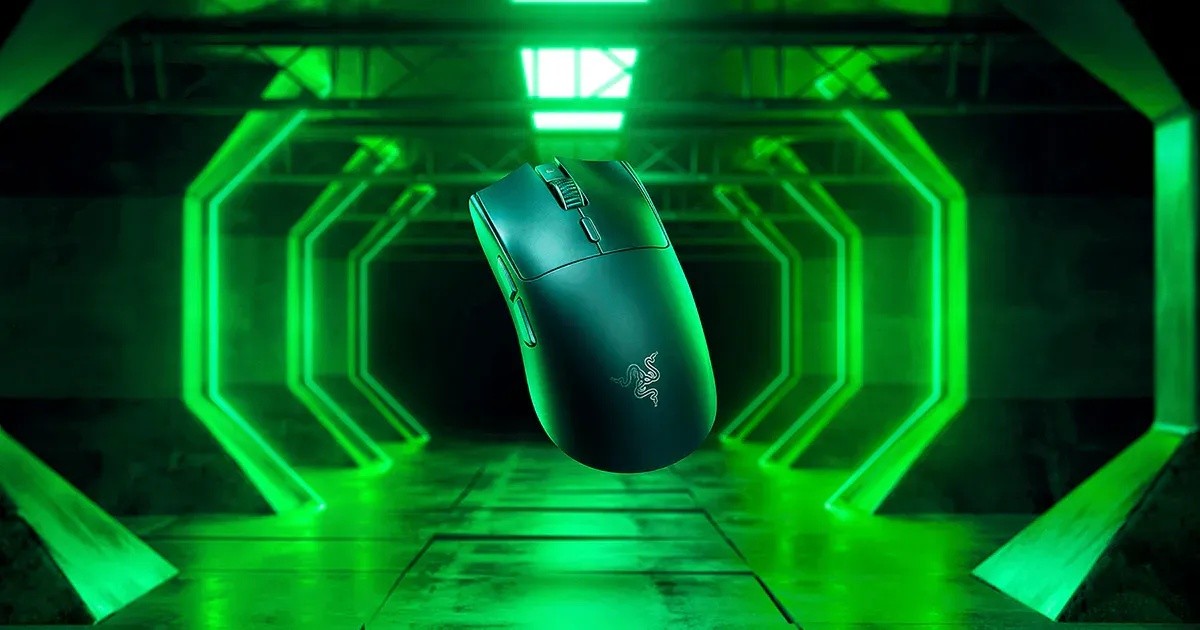
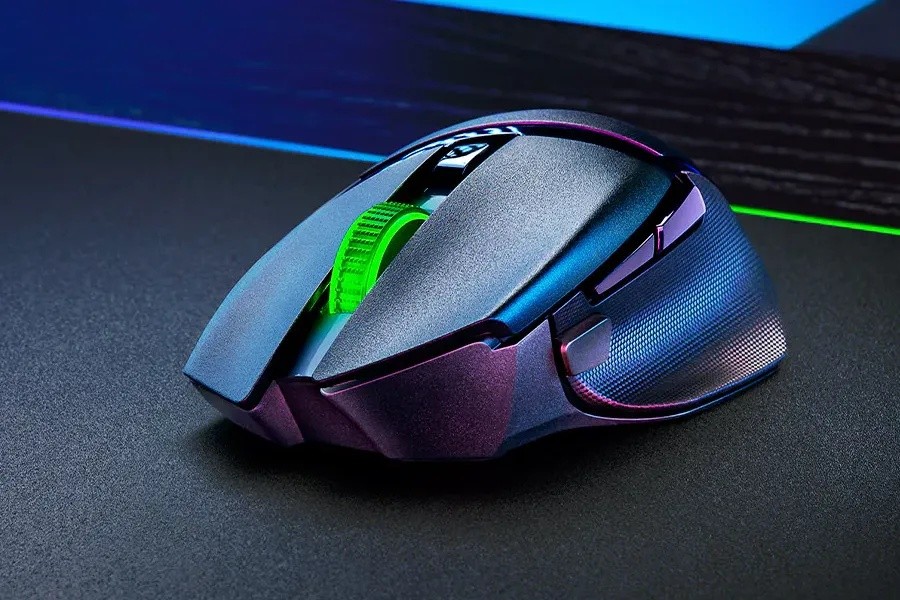
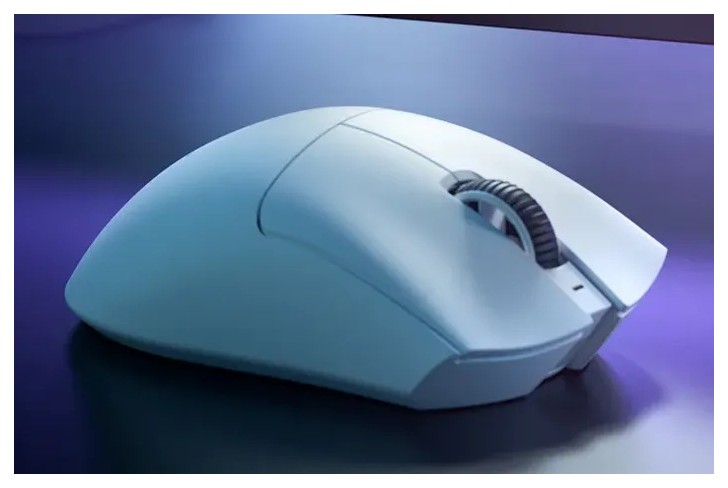
Razer Razer Cobra Pro
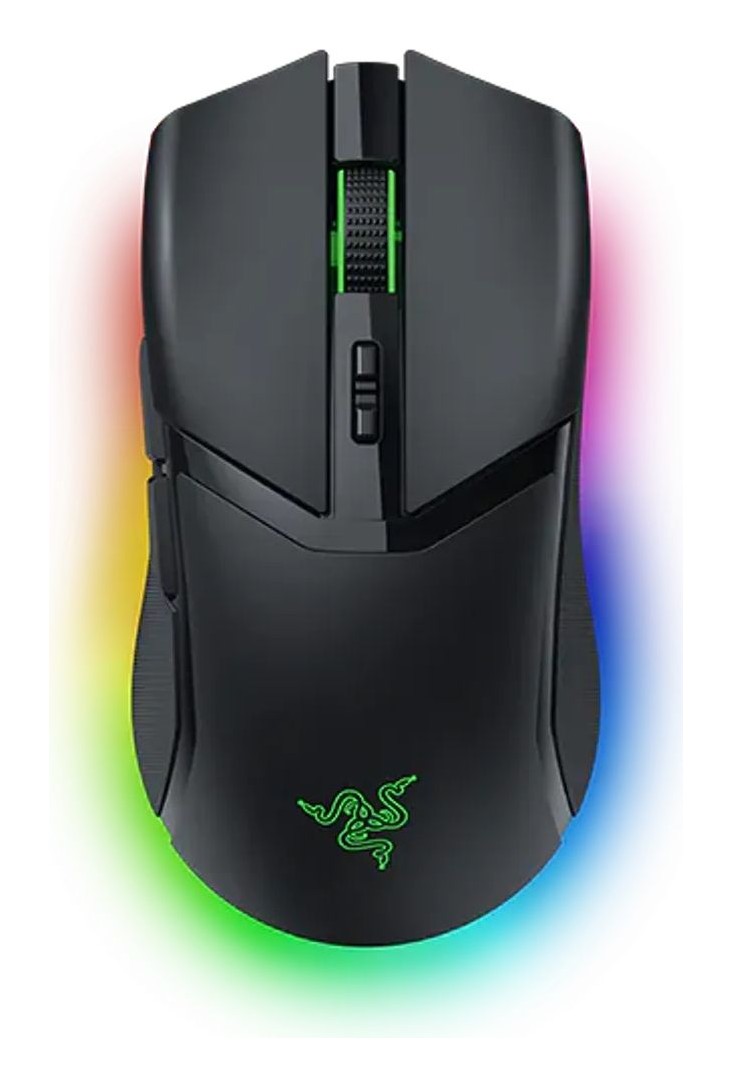
A compact 77 g wireless mouse with 11-zone Chroma underglow, three connection modes, a Focus Pro 30K sensor, Gen-3 optical switches and wireless-charging support.
Specifications
| Shape | Right-handed symmetrical, compact |
|---|---|
| Weight | 77 g |
| Sensor | Focus Pro 30K optical |
| Switches | Razer Optical Gen-3, 90 million clicks, 0.2 ms actuation |
| Connectivity | HyperSpeed Wireless (multi-device dongle), Bluetooth, wired USB Type-C |
| Battery | Up to 100 h (HyperSpeed) / 170 h (Bluetooth), conditions not stated |
| Lighting | 11-zone Chroma RGB with underglow |
| Controls | 10 customizable controls, 5 onboard profiles |
| Charging | USB Type-C or wireless charging with Mouse Dock Pro / Wireless Charging Puck (sold separately) |
| Polling Rate | 8000 Hz with Mouse Dock Pro or HyperPolling dongle (sold separately) |
| Colors | Black, White |
| Starting Price | US$129.99 |
The Razer Cobra Pro is Razer's compact wireless mouse for people who want RGB and connection choices in a small, light body. It weighs 77 g, has eleven individually programmable lighting zones, connects three ways, and can charge on a wireless puck if you buy the accessory. Razer lists it from 129.99 US dollars. This guide comes from Razer's product page, its launch video transcript and its FAQ. We have not used the mouse, so we describe what the page says, mark the marketing and point out what the page leaves unstated.
Shape, size and grip
Razer's FAQ calls the shape right-handed symmetrical and compact. The page says the small, light design suits claw, palm and fingertip grips. That combination is the one to think about carefully: a compact symmetrical mouse is comfortable for small to medium hands and for players who lift and flick the mouse, but a large hand that rests fully on the mouse will feel it more like a fingertip tool. The page does not give length, width or height, so we cannot put numbers on the size; comparing a friend's mouse of a known size, or checking retailer dimension tables, is the safest way to judge. The mouse is sold in black and white. Our guide to the best mouse for productivity versus gaming can help you decide whether a compact gaming mouse suits your day job as well as your evenings.
Weight
At 77 g, the Cobra Pro is light but not in the ultra-light tier of the very lightest esports mice, which the page does not claim. The page does not compare it with other mice, so judge the weight against the mouse you use now. The page's phrase is that its small, lightweight design feels great to hold and supports an immersive experience, which is a description rather than a measurement.
Three connection modes
The Cobra Pro connects by Razer HyperSpeed Wireless, by Bluetooth and by a wired USB Type-C connection. Razer says you can game anywhere for up to 100 hours on HyperSpeed or 170 hours on Bluetooth. The page does not spell out the conditions for those figures, such as lighting settings, so treat both as best cases; with eleven lighting zones running bright, we would expect the real figure to be lower. The HyperSpeed dongle supports multiple devices, so a compatible Razer keyboard and mouse can share one dongle and free a USB port. For a wider view of when 2.4 GHz and Bluetooth each make sense, see our piece on wireless mouse latency.
Polling rate
The FAQ says you can get a true 8000 Hz wireless polling rate by buying the Razer Mouse Dock Pro or the Razer HyperPolling Wireless Dongle. Neither is included in the price of the mouse, and Razer advises plugging them directly into a USB port on the PC, updating firmware and closing background programs when testing. The page does not state the default polling rate for the mouse as shipped, so we do not claim a figure for it.
Sensor and switches
The sensor is the Razer Focus Pro 30K optical sensor. The Cobra Pro page describes it as industry-leading with best-in-class precision and flawless tracking on a wider variety of surfaces, glass included, but it does not repeat the DPI or speed figures that appear on Razer's other pages, so we will not attach numbers to this model. For a plain-language look at what those numbers usually mean, our explainer on DPI, sensors and polling rate is worth a read. The buttons are Razer Optical Mouse Switches Gen-3, with a 90-million-click lifecycle, no double-clicking issues and a 0.2 ms actuation with no debounce delay. Ten customizable controls are available for macros, with five onboard profiles to carry those settings between computers.
Lighting
This is the mouse's showpiece. Eleven individually programmable zones cover the scroll wheel, the logo and a full underglow, customizable from close to 16.8 million colours, and Razer says the lighting reacts to more than 200 Chroma-integrated games. If you like a matched-lighting desk, that is the main reason to pick the Cobra Pro; if you do not, the lighting is a battery cost you can switch off in Razer Synapse, and other mice in our catalogue skip it entirely.
Charging
You can recharge over USB Type-C, or wirelessly. Wireless charging needs an accessory sold separately: the Razer Mouse Dock Pro (which includes a wireless charging puck), the Razer Wireless Charging Puck, or the Razer HyperFlux V2 wireless charging system with a charging mouse mat. You replace the mouse's cover puck with the charging puck and then set the mouse on a wireless charger. Razer says the puck works with its own chargers and select inductive chargers, and that other inductive chargers may work with proper coil alignment, so that is a maybe rather than a promise. The page does not say how long a wired charge takes.
Software and support
Button mappings, macros and lighting effects are set in Razer Synapse. Razer's store offers up to two years of warranty and 14 days of risk-free returns. The page cites praise from two publications and a game developer's team; we do not treat those quotes as evidence, but the page's price and specifications are the useful part.
Who it suits
- You want a compact wireless mouse with Bluetooth as well as a dongle, for a desk PC plus a laptop.
- You like RGB with an underglow and want to sync it with a wider Razer setup.
- You are interested in wireless charging, and are prepared to buy the puck or dock separately.
It is less ideal if you want the very lightest mouse, want a larger hand-filling shape, or plan to run 8000 Hz wireless without buying an extra accessory. If you are comparing Razer options, our Basilisk V3 Pro page covers the larger ergonomic sibling. For other compact wireless picks, see the Corsair M75 Wireless or the SteelSeries Aerox 5 Wireless. In short, the Cobra Pro is a well-featured compact mouse whose most convincing points are connectivity choice and lighting, while the missing numbers on the page mean you should verify dimensions and default polling before buying.