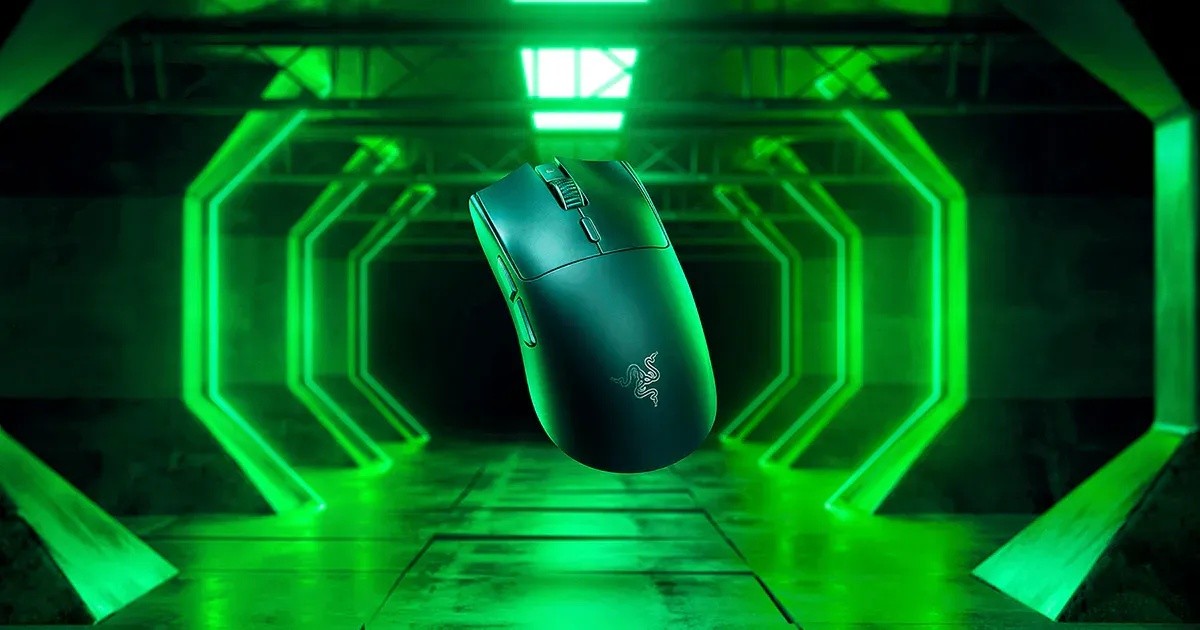
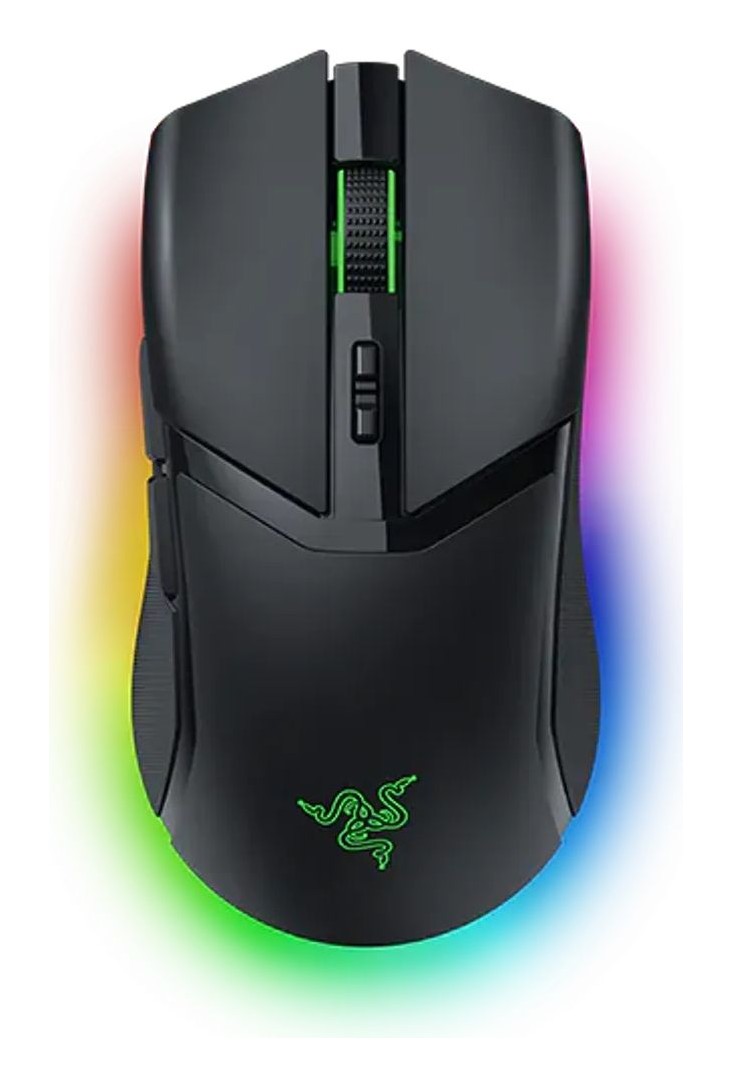
Razer Razer Basilisk V3 X HyperSpeed
An ergonomic right-handed wireless mouse with a multi-function trigger, nine programmable controls, Hypershift, Chroma RGB and up to 285 hours on one AA battery over HyperSpeed.
Specifications
| Shape | Right-handed ergonomic with thumb rest |
|---|---|
| Weight | 110 g |
| Dimensions | 130.1 x 75.1 x 42.5 mm |
| Sensor | Razer 5G Advanced 18K optical: 18,000 DPI, 450 IPS, 40 G |
| Switches | Razer Mechanical Mouse Switches Gen-2, 60 million clicks |
| Connectivity | HyperSpeed Wireless (dongle) and Bluetooth; no cable |
| Battery | Up to 285 h (HyperSpeed), up to 535 h (Bluetooth), one AA |
| Controls | 9 programmable controls (7 programmable buttons) plus Hypershift |
| DPI Stages | 400, 800, 1600 (default), 3200, 6400 |
| Lighting | Razer Chroma RGB |
| Memory | 1 on-board profile |
| Feet | 100% PTFE |
| Warranty | Up to 2 years |
| Starting Price | US$69.99 |
The Razer Basilisk V3 X HyperSpeed is the wireless, battery-powered member of the Basilisk family, a line known for large ergonomic shapes with plenty of buttons. Razer lists it from 69.99 US dollars. Its pitch is customization: a thumb rest, a multi-function trigger on the left side, a tilt-free scroll wheel and a layer of secondary commands called Hypershift, all running on a single AA battery that lasts for hundreds of hours. This guide is based on Razer's product page and specification list. We have not tested the mouse, so what follows is the manufacturer's information, with our notes on what it means for everyday use.
Shape and size
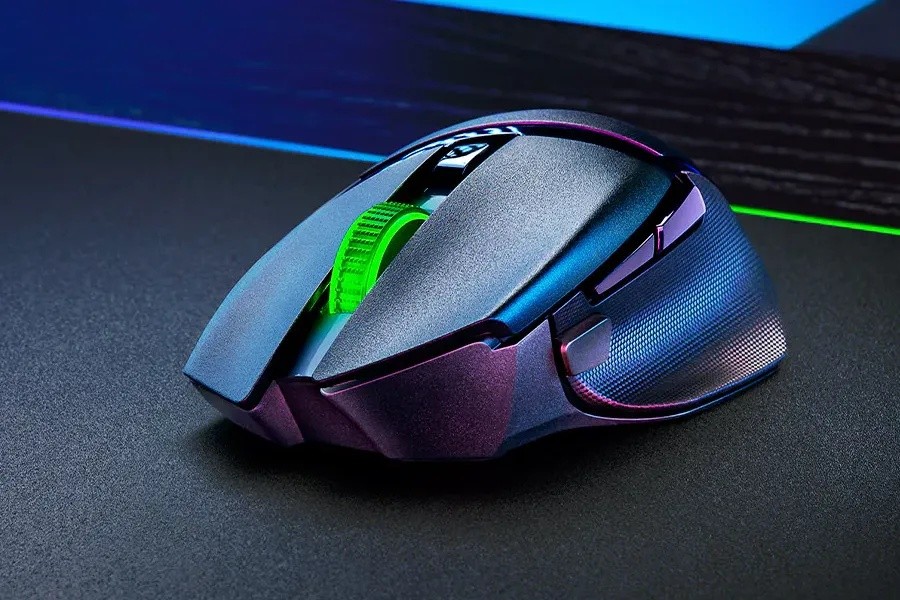
The Basilisk V3 X HyperSpeed is a right-handed ergonomic mouse with a signature thumb rest that Razer says gives less finger drag and smoother flicks. It is a large mouse, measuring 130.1 mm long, 75.1 mm wide and 42.5 mm high, and it weighs 110 grams including the battery, which puts it well above the lightweight esports category. That weight is typical for a mouse with this many controls and a replaceable battery. If you have a large hand and use a palm or relaxed claw grip, the dimensions are friendly, while players who prefer ultralight designs will want to look elsewhere. Our guide on the best mouse for productivity or gaming explains how to match a shape to your grip and your work.
Nine controls and Hypershift
The page counts nine programmable controls and seven programmable buttons, and its FAQ confirms both numbers. The specification table lists seven programmable buttons, so the two numbers describe different groupings of the same hardware. The controls include the left and right clicks, scroll click, two side buttons, a multi-function trigger, scroll up and down and the DPI setting button. Razer Hypershift, enabled through Razer Synapse, doubles that count by letting you assign a second set of commands that you unlock by holding a modifier. By default the modifier is the multi-function trigger, so you hold the trigger and press another control to run its secondary command. The default mapping on the page shows secondary actions such as Print Screen, a Boss Key, scroll left and right and mute volume. This matters for anyone who uses a mouse for work as well as games, since you can bind shortcuts for editing, spreadsheets or streaming to buttons you can reach without moving your hand.
Sensor and DPI
The mouse uses the Razer 5G Advanced 18K optical sensor, with a maximum sensitivity of 18,000 DPI, a maximum speed of 450 inches per second and a maximum acceleration of 40 G. Razer says it tracks with zero spinouts. These numbers are lower than the top Razer sensors, but they are well within what most people use. The factory DPI stages are 400, 800, 1600 (the default), 3200 and 6400, and you can create your own in Synapse, with a DPI cycle button at the top of the mouse. If you want to understand why the maximum number matters less than you might expect, our guide to mouse DPI, sensors and polling rate breaks it down.
Wireless and battery life
Connectivity is dual mode: Razer HyperSpeed Wireless through a USB dongle, and Bluetooth. The page lists up to 285 hours on HyperSpeed and up to 535 hours on Bluetooth, from a single AA battery that is included. Razer says the optimized battery placement balances the mouse. An interactive estimator on the page lets you see how long the battery lasts for your own habits, which is a sensible touch, but the page does not state the conditions behind the headline numbers, so treat them as best cases. The USB dongle is stored in a compartment underneath the top cover, which is handy for travel. The mouse supports multi-device pairing, so it can share a single dongle with a compatible Razer keyboard to free a USB port. There is no cable, so the mouse cannot be used wired.
Switches and lighting
The switches are Razer Mechanical Mouse Switches Gen-2 with gold-plated contact points and a lifespan of up to 60 million clicks. Razer Chroma RGB lighting offers 16.8 million colors and effects that react to integrated games, and you can turn lighting off in Synapse to save battery. The page lists a 100 percent PTFE set of mouse feet and one on-board memory profile. The scroll wheel does not tilt, so there is no sideways scrolling from the wheel itself, although the Hypershift mapping can add scroll left and right to buttons.
In the box and warranty
The package holds the mouse, the wireless USB dongle, a product information guide and one AA battery. Razer provides up to two years of warranty and 14 days of risk-free returns when you buy from its store.
What the page does not say
There is no information on the exact polling rate, the lift-off distance or the sensor's tracking accuracy. The page does not say how much the Bluetooth mode supports multiple devices at once, or which operating systems are supported outside Synapse on Windows. As with other pages, the numbers for battery life come from the manufacturer.
How it compares
The higher-end relative in our database is the Razer Basilisk V3 Pro, which adds a bigger feature set at a higher price. For a different take on a customizable wireless mouse, an ambidextrous design with swappable magnetic side buttons, consider the Corsair M75 Wireless. If you prefer a more traditional ergonomic gaming shape, the Razer DeathAdder V3 Pro is another option from the same maker. You can see every mouse on our mice page.
Our take
The Basilisk V3 X HyperSpeed is an easy mouse to understand: a comfortable large shape, plenty of controls, Hypershift for doubling them, and a very long battery life from a cheap AA cell. Its sensor is more modest than flagship models and its weight is higher, but for everyday gaming, work and creative tasks that need shortcuts, those are fair trade-offs for the price. If you want a wireless mouse for a big hand and many customizable buttons, it is a strong value pick, and the missing details are minor compared with what the page does tell you.