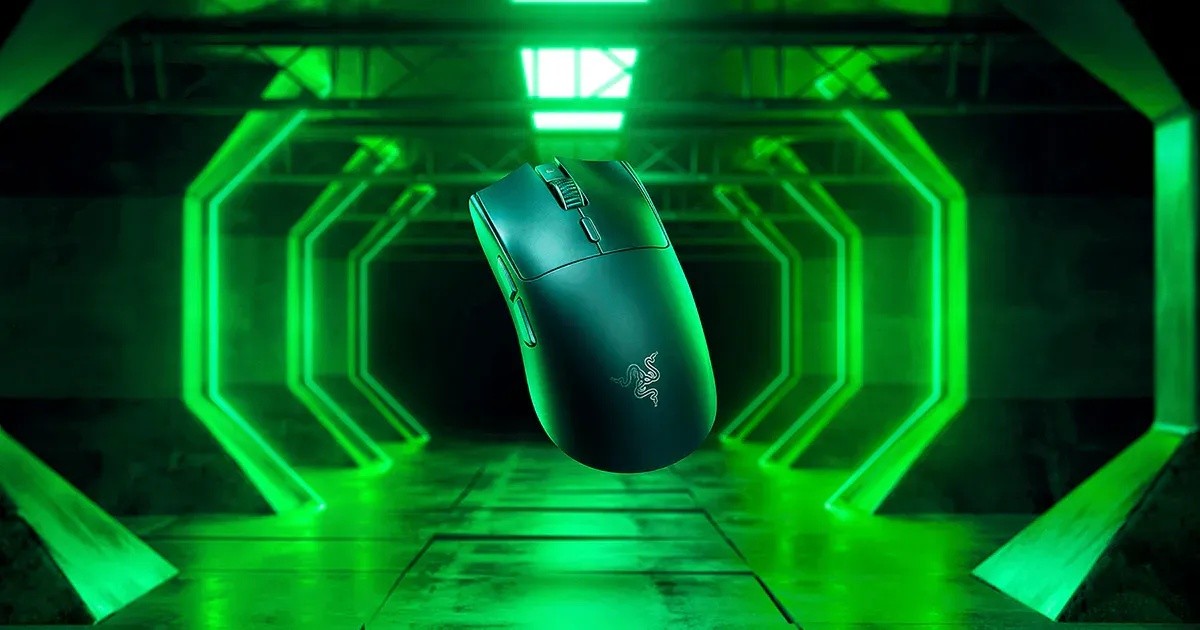
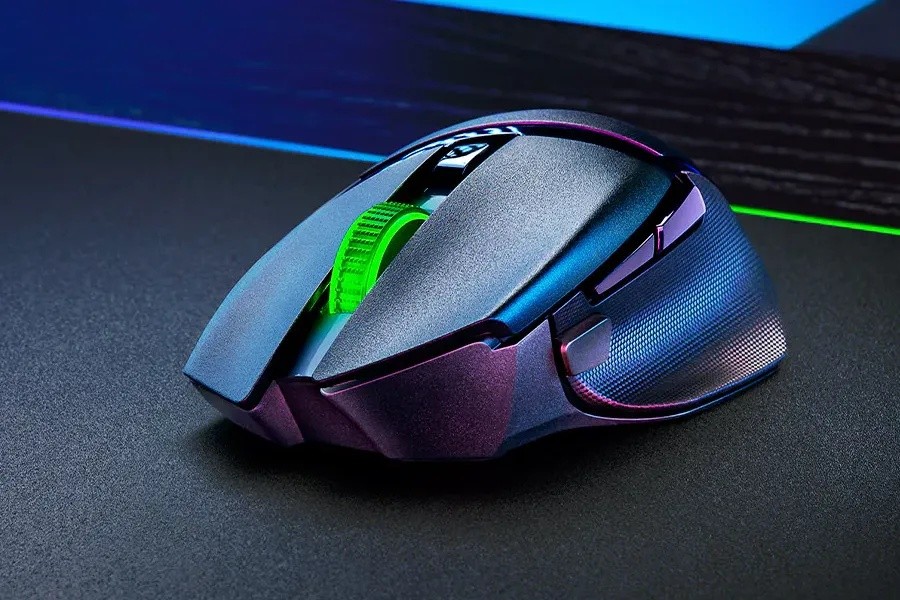
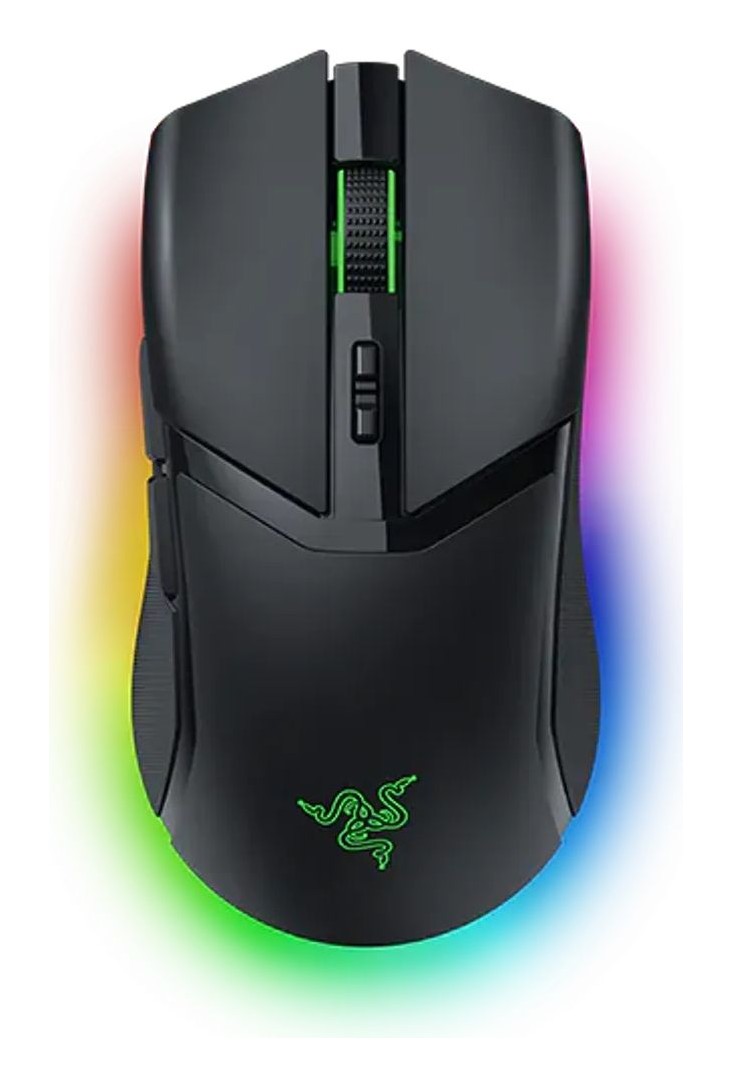
Razer Razer DeathAdder V3 Pro
The wireless DeathAdder: a right-handed ergonomic shape at 64 g, the Focus Pro 30K optical sensor, Gen-3 optical switches and up to 90 hours of battery.
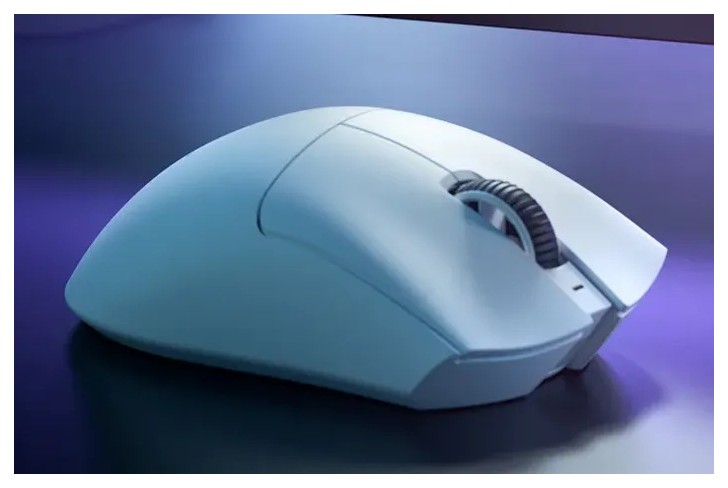
Specifications
| Shape | Right-handed ergonomic, no tilt-click scroll wheel |
|---|---|
| Weight | 64 g (launch video); over 25% lighter than DeathAdder V2 Pro |
| Sensor | Focus Pro 30K optical: 30,000 DPI, 750 IPS, 70 G, 99.8% resolution accuracy |
| Switches | Razer Optical Gen-3, 90 million clicks |
| Connectivity | HyperSpeed Wireless 2.4 GHz (multi-device dongle), USB Type-C |
| Polling Rate | 1000 Hz default; 8000 Hz with HyperPolling Wireless Dongle (sold separately); 2022 video said 4000 Hz |
| Battery | Up to 90 h |
| DPI Stages | 400, 800, 1600 (default), 3200, 6400 |
| Memory | 1 onboard profile |
| Colors | Black, White |
| Warranty | Up to 2 years |
| Page Price | US$79.99 (US$149.99 list) |
The Razer DeathAdder V3 Pro takes the most recognisable ergonomic shape in gaming mice and makes it wireless and light. Razer says it is more than 25 percent lighter than its predecessor, the DeathAdder V2 Pro, and the launch video shows the weight dropping from 78 g to 64 g. This guide draws on Razer's product page, its FAQ and its launch video transcript. We have not used the mouse ourselves. Where the page is marketing, we flag it, and where its own numbers disagree, we explain how we resolved them.
Shape and size
The DeathAdder V3 Pro is a right-handed ergonomic mouse. Razer calls it a mid-to-large sized mouse without the weight and drag, and says the shape was refined with the help of top esports professionals. The page lists specific changes from the earlier design: repositioned buttons and scroll wheel for easier reach, a raised arch for greater palm support, an added ledge for the ring finger, and a split key cover for better click feel. It is offered in black and white. There is no tilt-click on the scroll wheel, which the FAQ states plainly, so if you use sideways scroll a lot, note that before buying. Razer does not give length, width or height on the page we read, so we cannot compare hand size fit in millimetres; a mouse this shape is best judged against your own grip. Our guide to the best mouse for productivity versus gaming is a good way to decide whether an ergonomic right-handed shape suits you.
Weight
The 64 g figure comes from the launch video transcript rather than from a specification table, and Razer's headline claim is that the mouse is over 25 percent lighter than the DeathAdder V2 Pro. That matters because ergonomic mice have traditionally been heavier than symmetric esports mice, and a large wireless shape at this weight is the point of the product. The wired DeathAdder V3 in our catalogue shares the shape family, so if you never need wireless, compare the two.
The sensor
The mouse uses the Razer Focus Pro 30K optical sensor. The numbers on the page are 30,000 DPI, a maximum speed of 750 IPS, a maximum acceleration of 70 G and 99.8 percent resolution accuracy. Razer calls it the world's most precise optical sensor, which is a marketing claim we cannot verify, so we treat it as a strong sensor rather than a proven winner. Three smart features are described. Asymmetric cut-off lets you set lift-off and landing distances separately, with 26 levels of height adjustment compared with three in the earlier version. Smart Tracking auto-calibrates across surfaces to keep a consistent lift-off distance. Motion Sync aligns the sensor's signals with the intervals at which the PC reads the mouse. Razer also says the sensor tracks flawlessly on glass at least 4 mm thick. If sensor terms are new to you, our explainer on DPI, sensors and polling rate covers what these numbers do and do not tell you.
Switches and clicks
The main buttons use Razer Optical Mouse Switches Gen-3, rated for a 90-million-click lifecycle, with the claim of no unintended double-clicks. Optical switches register the click with light rather than metal contact, which is the reason for that no-double-click claim. As always, a lifecycle rating is a manufacturer figure, not a promise about your unit.
Wireless: what the polling numbers mean
This is the place where the page contradicts itself. The launch video, dated August 2022, says the mouse is upgradeable to a true 4000 Hz wireless polling rate with the Razer HyperPolling Wireless Dongle, sold separately. The current FAQ says the default polling rate is 1000 Hz and that the mouse is upgradeable to a true 8000 Hz rate with the same dongle, sold separately. We treat the FAQ as the newer statement, so the answer is 1000 Hz out of the box and 8000 Hz with the optional dongle, with the earlier 4000 Hz figure being historical. Either way, the extra polling needs a separate purchase and plugging the dongle directly into a USB port on the PC; Razer also advises using the latest firmware and closing background programs when testing. For most people, 1000 Hz wireless is what the box provides, and you should not buy the mouse for a feature that costs extra.
The standard dongle supports multiple devices, which helps free a USB port. Razer states that HyperSpeed Wireless is 25 percent faster than other wireless gaming mice, another claim we cannot verify from the page. For a wider view of wireless latency, see our piece on wireless mouse latency, 2.4 GHz versus Bluetooth. Note that the page describes HyperSpeed 2.4 GHz only; it does not mention Bluetooth for this model.
Battery and charging
Razer lists up to 90 hours of uninterrupted gameplay, with USB Type-C recharging. That is a manufacturer figure, and polling rate, lighting and settings change real-world runtime. The page does not state a charging time.
Controls and software
A button on the underside toggles power (press and hold for three seconds) and cycles DPI. Five DPI stages can be toggled without software, and the factory stages are 400, 800, 1600 (the default), 3200 and 6400. The mouse keeps one onboard profile, based on the last used Razer Synapse profile, including custom DPI, button configuration and lift-off settings, so your settings follow the mouse. Button mapping and macros need Razer Synapse 3. HyperShift, which adds a second set of key binds and a second DPI stage on a modifier button, is supported. The FAQ also gives a practical tip: turn off Enhance pointer precision in Windows settings to avoid it affecting sensitivity. Replacement parts are available from Razer, and there is a 30-day risk-free trial on the page, plus up to two years of warranty.
Price and the launch context
The page shows a starting price of 79.99 US dollars against a crossed-out 149.99 dollars, described as 46 percent off. That is Razer's own store price at the time we read the page and it changes, so check the current price. The launch information on the page is stamped as accurate as of August 2022, so any claim about accolades or reviews on the page should be read as coming from that time.
Who it suits
- You use a palm or relaxed claw grip and want an ergonomic, right-handed shape rather than a small symmetric one.
- You want wireless without a heavy mouse, and can live without a tilt scroll wheel.
- You want a high-end sensor and are happy with 1000 Hz out of the box.
- You would rather compare against other flagship mice such as the Razer Viper V3 Pro or the Logitech Pro X Superlight 2, both in our catalogue and both symmetric.
It is not the best choice if you have very small hands, prefer an ambidextrous shape or want a side-scrolling wheel. Browse our mice page to compare all the options. In short, the DeathAdder V3 Pro is a light, well-specified wireless ergonomic mouse whose main asset is a shape that many players already know. Buy it for the shape and the sensor, treat the polling upgrade as optional, and remember that Razer's page gives limited dimensions.