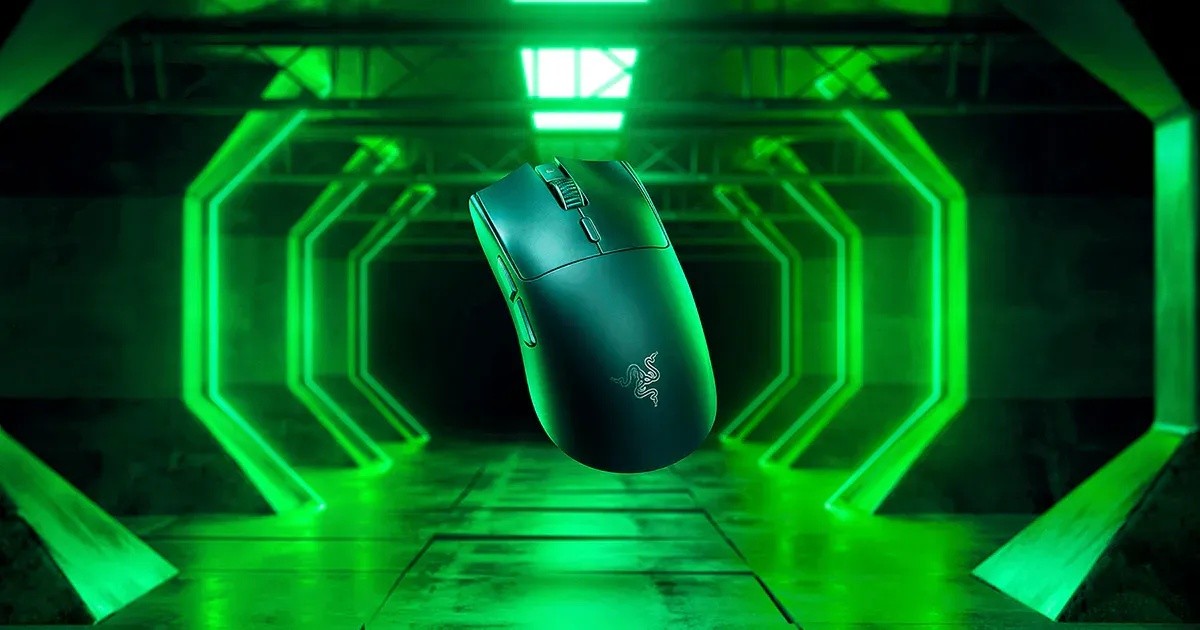
Razer Viper V3 Pro
A 54 g wireless esports mouse with a 35K optical sensor, 8,000 Hz HyperPolling support, optical switches and up to 95 hours of battery life.
Specifications
| Weight | 54g (55g white) |
|---|---|
| Sensor | Razer Focus Pro 35K Optical Gen-2 |
| Sensitivity | Up to 35,000 DPI |
| Max Speed | 750 IPS |
| Acceleration | 70G |
| Polling Rate | Up to 8000Hz with HyperPolling Wireless Dongle |
| Switches | Razer Optical Mouse Switches Gen-3 (90M clicks) |
| Battery Life | Up to 95 hours |
| Buttons | 8 programmable controls |
| Connectivity | Razer HyperSpeed Wireless 2.4GHz, USB-C charging |
| Shape | Right-handed symmetrical |
| Software | Razer Synapse |
The Razer Viper V3 Pro is an ultralight wireless mouse built for competitive shooters and for anyone who wants to move a mouse with as little effort as possible. Razer designed it with esports professionals, and the priorities show: low weight, a symmetrical shape, a very fast sensor and a wireless system that supports an 8,000 Hz polling rate. It is a specialist tool rather than a mouse for every task, and this page explains what each of the big numbers means, who benefits from them, and what to check before you spend the money.
Weight and shape
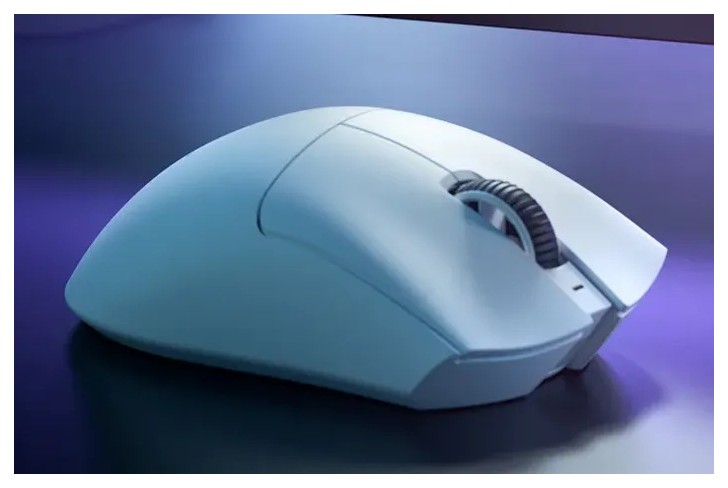
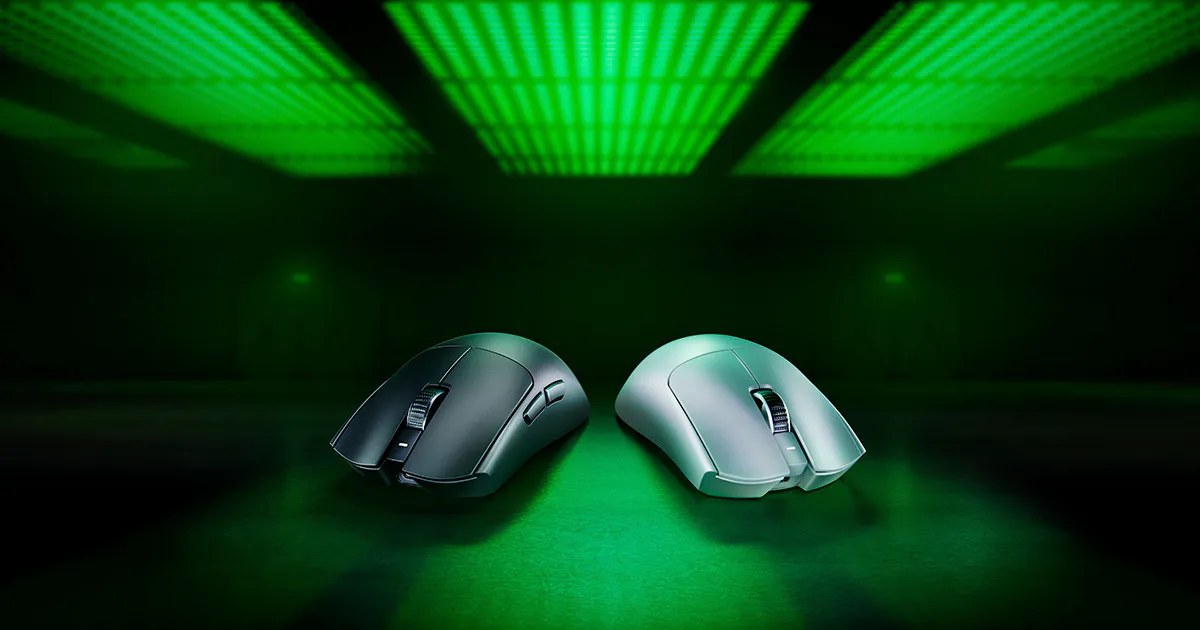
The mouse weighs 54 grams, or 55 grams in the white edition. That is roughly half of a typical office mouse. The point of a light mouse is that your hand needs less force to start and stop a movement, which helps in fast flicks and in long sessions. It also means the mouse can feel a little less planted if you are used to a heavy, large productivity mouse, so it can take a few days to adjust. Razer describes a right-handed symmetrical shape best suited to claw and fingertip grips. It builds on the shape used in the Viper V3 HyperSpeed, refined with further pro feedback: an updated side button design for easier access, a raised, rear-shifted hump for support, a ring-finger ledge to prevent pinching, pronounced finger grooves and flatter sidewalls for different hand sizes and grips. The surface has a smooth-touch finish that Razer says feels soft while remaining easy to grip, and the feet are larger for smoother glides; Razer says more than 60% of pros preferred them. If you have large hands and a palm grip, try to handle the mouse in a shop first, because a symmetrical, low mouse rewards a lighter grip.
Sensor: Focus Pro 35K Gen-2
The optical sensor is the Razer Focus Pro 35K Gen-2. Razer lists a sensitivity of up to 35,000 DPI, a maximum speed of 750 inches per second, a maximum acceleration of 70 G and a resolution accuracy of 99.8%. Most players will use a sensitivity in the hundreds or low thousands of DPI, so a number that high is more about headroom than daily use. What matters more are the calibration tools. The sensor supports dynamic sensitivity, a rotation tool to straighten horizontal swipes, DPI steps as small as a single unit, a sensitivity matcher to port over the setting from your previous mouse, motion sync to align mouse signals with your PC's intervals, smart tracking that automatically calibrates the lift-off distance on different surfaces, and asymmetric cut-off, where you can set lift-off and landing distance separately from 26 levels. All of this is managed in Razer Synapse. If you want to understand the terms, our guide to DPI, sensors and polling rate is a good primer.
Wireless and the 8,000 Hz question
The Viper V3 Pro uses Razer HyperSpeed Wireless, a 2.4 GHz connection designed for low latency. With the HyperPolling Wireless Dongle, it supports an 8,000 Hz polling rate, which means the mouse reports its position to the computer 8,000 times per second, against 1,000 for a standard mouse. Razer says this improves responsiveness and signal integrity. Be realistic: a higher polling rate can give slightly smoother tracking and lower delay in fast games, but it also uses more processor time and more battery, and the difference is subtle for most people. Razer's own advice for getting the best result is to plug the dongle directly into a USB port on the PC, close background programs, and test the polling rate with the download it links to. To understand why a dedicated receiver usually feels more immediate than Bluetooth, read our news piece on 2.4 GHz versus Bluetooth mouse latency.
Battery life is listed as up to 95 hours, and the mouse charges over USB-C. Note that heavy use of the higher polling rate is likely to shorten battery life compared with the maximum figure, and Razer does not give separate numbers for each polling setting on the page we consulted, so we treat 95 hours as a best-case number.
Switches and controls
The main buttons use Razer Optical Mouse Switches Gen-3, which Razer says are rated for 90 million clicks, with 0.2 ms actuation and no debounce delay. Optical switches detect a click with light rather than a metal contact, which is why there is no debounce delay and why they are less prone to the double-click faults that can affect mechanical switches over time. The mouse has eight programmable controls in total, from essential commands to macros. A button on the underside is programmable in Synapse; by default it turns the mouse on and off when held for two seconds and cycles the DPI when pressed briefly. The factory DPI steps are 400, 800, 1600 (the default), 3200 and 6400. One onboard profile is stored, based on your last-used Synapse profile, so your settings travel with the mouse to a competition PC without installing software.
Setting it up well
A light mouse behaves differently on different surfaces, so a few small habits make a big difference. Start with a clean, flat mouse pad or desk surface, and give the feet a few days to settle in. Install Razer Synapse once, set your usual DPI, test the sensor's lift-off behaviour on your own pad, and save the result to the onboard profile. Place the wireless dongle where the radio path is clear rather than behind a tower case. Leave the polling rate at a comfortable level at first and raise it only if your PC has spare capacity, watching your battery use. Finally, charge the mouse before long sessions rather than while playing; the USB-C connection makes that easy, and keeping a spare cable near your desk avoids interruptions.
How it compares and who it suits
Razer offers a two-year warranty and 14-day returns when you purchase from its own store. On the day we checked the page, the mouse was listed at 129.99 USD against a list price of 159.99 USD, so watch for such offers; we use the list price as the reference. The Viper V3 Pro suits players of fast tactical shooters, MOBA players who like light mice, and anyone with a small to medium hand who prefers claw or fingertip grip. It is less suitable for people who want a large, ergonomic shape, a thumb rest, many extra buttons for productivity work, or a vertical or trackball style; our guide to choosing a mouse for productivity versus gaming explains how to decide.
To compare with other options on this site, browse the mice category. The wired Razer DeathAdder V3 is the more ergonomic Razer choice, and the SteelSeries Aerox 5 Wireless is a light honeycomb-shell alternative with more buttons. Whichever you pick, give a new mouse at least a week before you judge it, keep your mouse pad clean, and remember that comfort and grip matter far more than any sensor figure.