ASUS ProArt Display PA279CRV
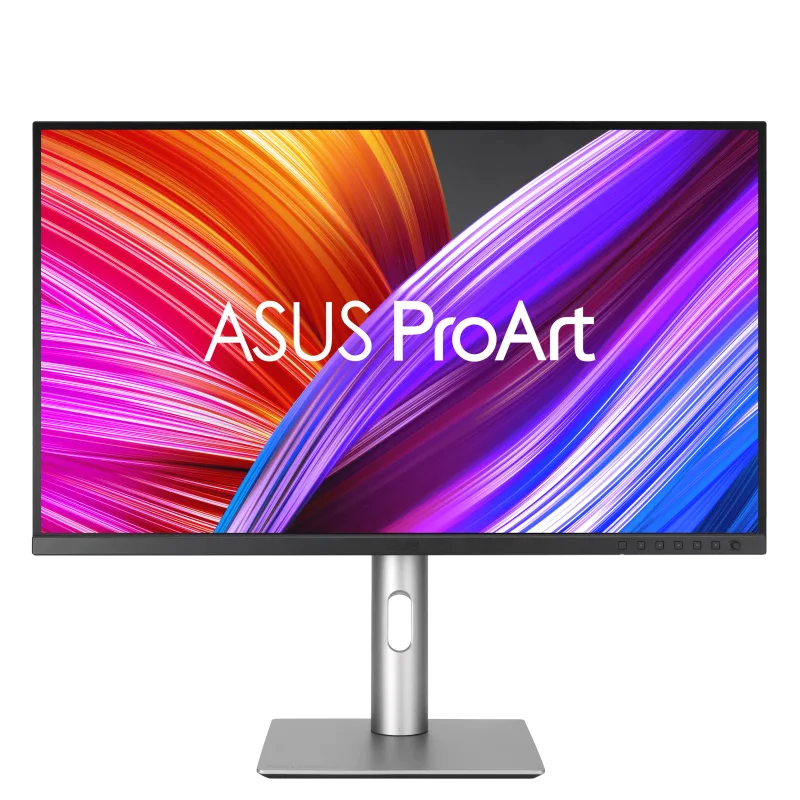
A 27-inch 4K IPS monitor for creators, with 99% DCI-P3 and 99% Adobe RGB coverage, factory calibration, 96 W USB-C and a full height-adjustable stand.
Specifications
| Panel | IPS |
|---|---|
| Screen Size | 27" |
| Resolution | 3840x2160 (4K UHD), 163 PPI |
| Refresh Rate | 60Hz |
| Response Time | 5ms GtG |
| Color Gamut | 100% sRGB, 99% Adobe RGB, 99% DCI-P3 |
| Color Depth | 10-bit (1.07B colors) |
| Calibration | Factory pre-calibrated, Delta E < 2, Calman Verified |
| Brightness | 350 cd/m2 typical, 400 cd/m2 peak (HDR) |
| HDR | HDR10, VESA DisplayHDR 400 |
| Ports | USB-C (DP Alt Mode, 96W PD), 2x DisplayPort 1.4 (daisy chain), 2x HDMI 2.0, USB hub (1x USB-C, 3x USB-A), earphone jack |
| Stand | Tilt +23/-5, swivel +/-30, pivot +/-90, height 130mm, VESA 100x100 |
| Weight | 5.78 kg with stand |
The ASUS ProArt Display PA279CRV is a 27-inch 4K monitor built for people whose work depends on colour: video editors, photographers, designers and anyone who has been burned by a screen that made a picture look different everywhere else. It is a calm, practical, no-gimmick display. There is no high refresh rate and no flashing lights; instead you get a wide colour gamut, a factory calibration report, a proper stand and a USB-C connection that can run a laptop from a single cable. This page walks through what those features mean in daily use and who should, and should not, spend money on this model.
The panel: sharp, bright enough, and colour-first
The screen is a 27-inch IPS panel with a resolution of 3840 x 2160, which works out to about 163 pixels per inch. At normal desk distance that is dense enough that text looks crisp and small interface elements are cleanly drawn, and you get a lot of working space for timelines, palettes and tool windows. The viewing angle is listed as 178 degrees both ways, and the surface is anti-glare, which helps if your desk sits near a window. If you are still deciding between 27 inches at 4K and other combinations, our guide to monitor size and resolution explains why this pairing is popular for creative work.
Typical brightness is given as 350 cd/m2, with a peak of 400 cd/m2 in HDR. The panel supports HDR10 and carries a VESA DisplayHDR 400 certification. Be realistic about what that means: DisplayHDR 400 is the entry level of the standard, so this is a monitor you buy for accuracy and workflow, not for a dramatic, glowing HDR image. It does give you a way to check that HDR material is behaving sensibly, and ASUS includes an HDR preset among its colour modes. The listed contrast is 1000:1 typical and 3000:1 maximum, which is normal for an IPS panel without local dimming. Response time is 5 ms grey-to-grey and the refresh rate is 60 Hz, with Adaptive-Sync support listed. That is fine for editing and general use, but if you also play fast games, look at our refresh rate explainer before you commit.
Colour: what the numbers actually promise
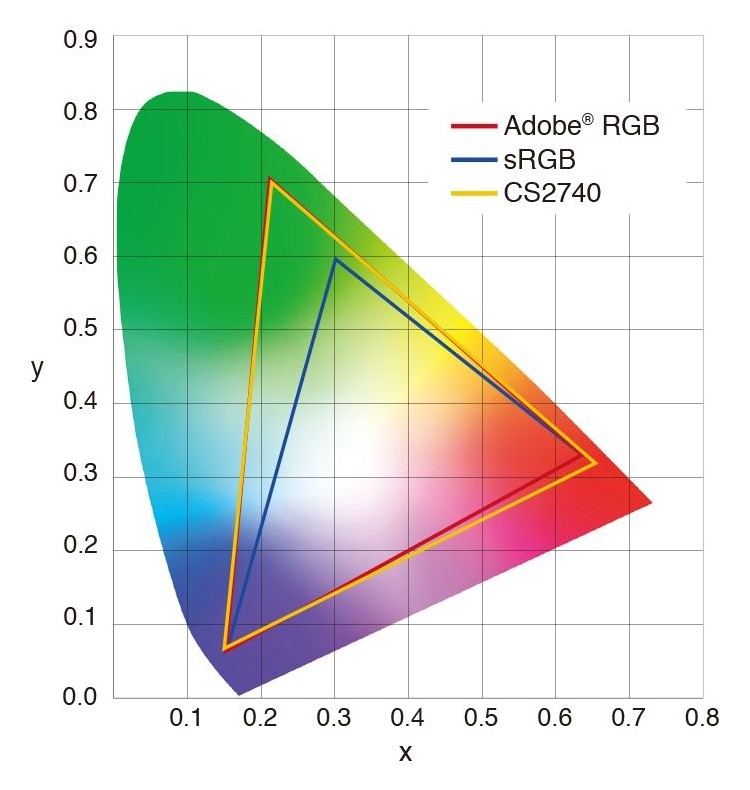
The headline figures are 100% sRGB, 99% Adobe RGB and 99% DCI-P3, with 10-bit colour depth and 1.07 billion displayable colours. In plain terms, the monitor can show the range of colours used by web content, by print-oriented photography workflows and by digital cinema, and it can show smooth gradients without visible banding. ASUS says every unit is factory pre-calibrated to a Delta E below 2, is Calman Verified, and ships with a colour pre-calibration report in the box. Delta E is a measure of how far a displayed colour is from the intended one; a value under 2 is generally described as difficult for the eye to tell apart from the target in normal viewing.
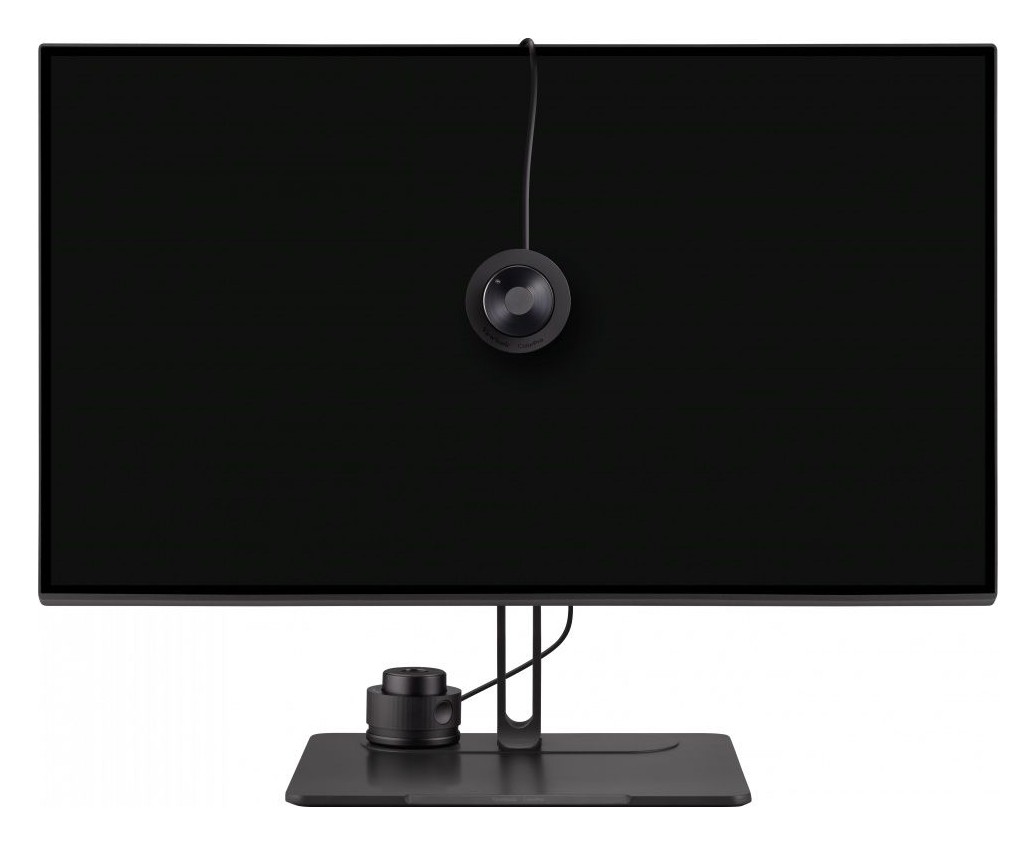
The pre-calibration is a strong starting point, but it is not a substitute for checking your own setup over time. All displays drift, and your room lighting influences how you judge colour. ASUS offers a separate colorimeter, the ProArt CaliContrO MCA02, which is sold separately and is not included. It works with ASUS software for hardware and software calibration and for creating ICC profiles. If you are unsure whether you need calibration, our guide to colour accuracy and calibration will help you decide.
The monitor offers ProArt Preset modes for sRGB, Rec. 709, Adobe RGB, DCI-P3, DICOM, Rec. 2020, HDR and Native, plus two user modes. Gamma can be adjusted between 1.8 and 2.6, colour temperature has five modes, and RGB gain and offset can be tuned. Features such as ProArt Palette, QuickFit Plus (overlay grids and paper sizes) and PIP/PBP (picture-in-picture and picture-by-picture) are listed. For Mac users, ASUS added an M Model-P3 preset intended to match the colour of MacBook and MacBook Pro screens, and the DisplayWidget Center software works on both Windows and macOS. With it and a Mac connected, the MacBook brightness keys can control the monitor brightness while the cursor is on the ProArt display.
Connections and the one-cable desk
Here the PA279CRV is genuinely practical. It has a USB-C port with DisplayPort Alt Mode and 96 W of power delivery, so a compatible laptop can receive video, data and charging over one cable. In addition there are two DisplayPort 1.4 inputs (one of which supports daisy chaining), two HDMI 2.0 ports and an earphone jack, plus a built-in stereo speaker pair rated at 2 W each. The USB hub is listed as one USB 3.2 Gen 1 Type-C port and three USB 3.2 Gen 1 Type-A ports.
There is one small point of confusion on the source pages worth clearing up. The overview text mentions a hub at the bottom of the screen with one Type-A port and a USB-C port for easy access, while the specification table lists one Type-C and three Type-A in total. The two fit together: the front-facing pair are the quick-access ports and the table counts every port on the monitor. Also note that the power delivery figure is a maximum; a laptop that needs more than 96 W under load will still want its own charger. If you want to plan a wider layout with several screens and shared peripherals, read our multi-monitor and KVM guide.
Stand, build and ergonomics
Compared with the previous ProArt generation, ASUS says the base is 33% smaller and the profile is 30% thinner, measuring 8 mm at its thinnest point, with an internal aluminium plate that helps with rigidity and cooling. The stand offers tilt from -5 to +23 degrees, swivel of 30 degrees either way, a 90-degree pivot in either direction for portrait mode, and 130 mm of height adjustment. Portrait mode is genuinely useful for long documents, code and layouts, and the quick-release stand lets you move to a 100 x 100 mm VESA mount without tools. If you prefer an arm, our ergonomic setup guide covers height, distance and mounting.
The monitor measures 61.22 x 53.81 x 21.50 cm with the stand and weighs 5.78 kg (4.07 kg without the stand). A Kensington lock slot is present. Power draw is listed at 26.14 W in operation and 0 W with the hard power switch off. Eye comfort features include hardware-based ultra-low blue light and flicker-free technology, both TÜV certified. Sustainability details include TCO Certified, EPEAT Gold and Energy Star ratings, 85% post-consumer recycled plastic in the design and packaging made from at least 80% recycled cardboard. In the box you will find a USB-C cable, an HDMI cable, a DisplayPort cable, a power cord, a quick start guide and the calibration report. The display carries a three-year zero bright dot warranty.
Who should buy it, and who should not
The PA279CRV is a strong match for photographers and video editors who need accurate colour without a huge budget, for designers who move between sRGB, P3 and Adobe RGB targets, and for MacBook or Windows laptop users who want one-cable docking with generous charging. It is also a sensible choice for a shared studio where several people need the same reliable reference. It is less suitable for gamers who want 120 Hz or more, for anyone who wants strong HDR impact, or for people who only browse and stream video and would be perfectly happy with a cheaper screen.
ASUS lists the display for professionals rather than with a fixed retail price on its page, so we do not quote a price here; prices vary by region and retailer. To compare it with other creator-friendly displays on this site, browse the monitors category, and take a look at the BenQ PD2725U and the Dell UltraSharp U2723QE, both of which target similar workflows with different port layouts and panel technology. One last note: ASUS lists a security update support period for this model running to the end of 2026, which is worth remembering if you plan to keep it connected to managed work devices for many years.