BenQ BenQ PD3220U
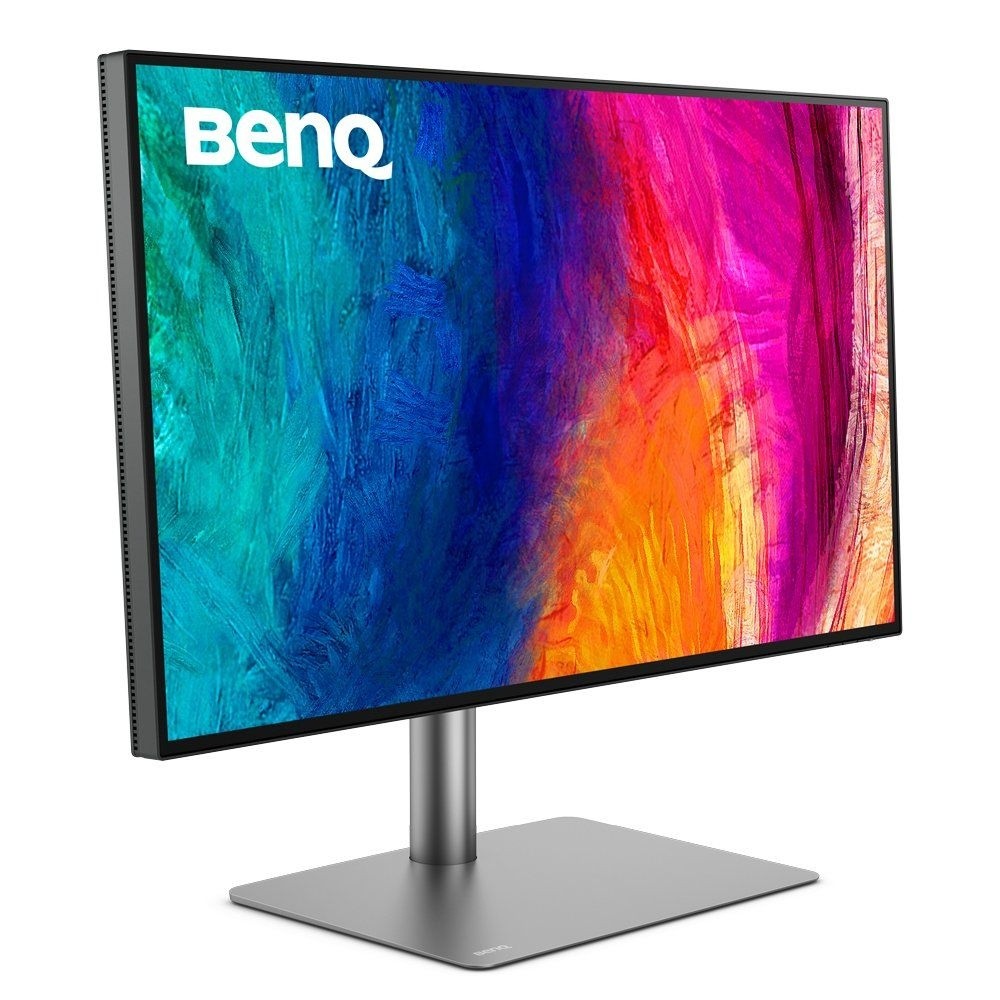
A 31.5-inch 4K IPS designer monitor with 95% P3 and 100% sRGB coverage, factory calibration, Thunderbolt 3 with 85 W charging and daisy chaining, a built-in KVM switch and a Hotkey Puck G2.
Specifications
| Panel | IPS, LED backlight, matte coating |
|---|---|
| Screen Size | 31.5 inch (32-inch class) |
| Resolution | 3840 x 2160 (4K UHD), 140 PPI |
| Refresh Rate | 60 Hz |
| Response Time | 5 ms GtG |
| Brightness | 250 cd/m2 typical, 300 cd/m2 peak (HDR) |
| Contrast | 1000:1 native |
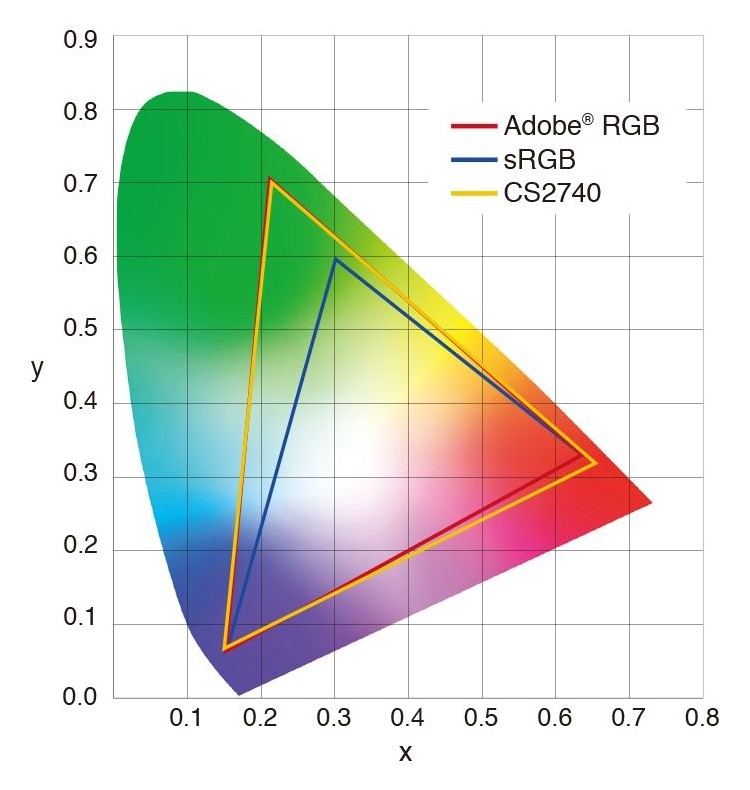
| Color Gamut | 100% sRGB, 100% Rec.709, 95% P3 |
| Color Accuracy | Delta E (avg) 3 or lower, factory calibrated; CalMan Verified, Pantone Validated |
| HDR | HDR10 |
| Ports | Thunderbolt 3 in (85 W PD), Thunderbolt 3 out (15 W PD), 2x HDMI 2.0, 1x DisplayPort 1.4, USB-C downstream, USB-B upstream, 3x USB 3.1 downstream |
| Speakers | 2 W x 2, headphone jack |
| Stand | Height 150 mm, tilt -5 to 20 deg, swivel 30/30 deg, pivot 90 deg |
| VESA | 100 x 100 mm |
| Weight | 10.7 kg with stand |
| Power | 37 W typical, 220 W max |
| Extras | KVM switch, PIP/PBP, DualView, Hotkey Puck G2 |
| Successor | PD3226G (per BenQ page) |
The BenQ PD3220U is a 32-inch-class 4K monitor from BenQ's Creative Pro line, aimed at designers, illustrators and Mac users who want accurate colour and a single-cable connection. BenQ's page headline is about making inspirations come alive across devices seamlessly, and it leads with colour precision: a monitor that is factory calibrated, covers 95 percent of the P3 colour space and 100 percent of sRGB and Rec.709, and ships with a calibration report. The page also states a successor model, the PD3226G, which tells you this is an older model, so check availability before you plan around it. This guide is built from BenQ's overview and specification pages. We have not tested the monitor, so every figure is BenQ's.
Panel, size and resolution
The specification lists a 31.5-inch IPS panel with LED backlight, a matte coating and a maximum resolution of 3840 by 2160, which BenQ gives as 140 pixels per inch. That pixel density is the useful number: it means text and images look sharp from a normal desk distance and that a 4K signal at 100 percent scaling would look small, so most people use scaling. If you are choosing between a 27-inch QHD screen and a 32-inch 4K screen, our guide on monitor size and resolution explains the trade-offs. The refresh rate is 60 Hz and the response time is 5 ms grey to grey, with an AMA overdrive option, so this is a monitor for design and photo work rather than fast gaming. Brightness is 250 nits typical with a 300 nit peak in HDR mode, and native contrast is 1000 to 1. The monitor supports HDR10, but the modest brightness means HDR is an extra and not the reason to buy it. Viewing angles are 178 degrees in both directions.
Colour accuracy and the AQCOLOR approach
BenQ calls its colour approach AQCOLOR technology. The page describes uniformity control through full-screen calibration with micro-zone correction, colour tolerance management, high-precision instrument alignment and compliance with industry standards from Rec.709 and DCI-P3 to Adobe RGB. The numbers it states are 100 percent sRGB, 100 percent Rec.709 and 95 percent P3, with an average Delta E of 3 or lower, 1.07 billion colours and a gamma range of 1.8 to 2.6. The monitor holds CalMan Verified and Pantone Validated certificates, ships with a factory calibration report and offers 5000 K, 6500 K and 9300 K colour temperatures plus a user setting. Uniformity matters because uneven brightness and tint across a panel distort editing near the edges; BenQ says its full-screen calibration keeps brightness and colour consistent across the screen. For a broader view of why accuracy and calibration matter, see our monitor colour accuracy and calibration guide.
Modes for Mac and for design work
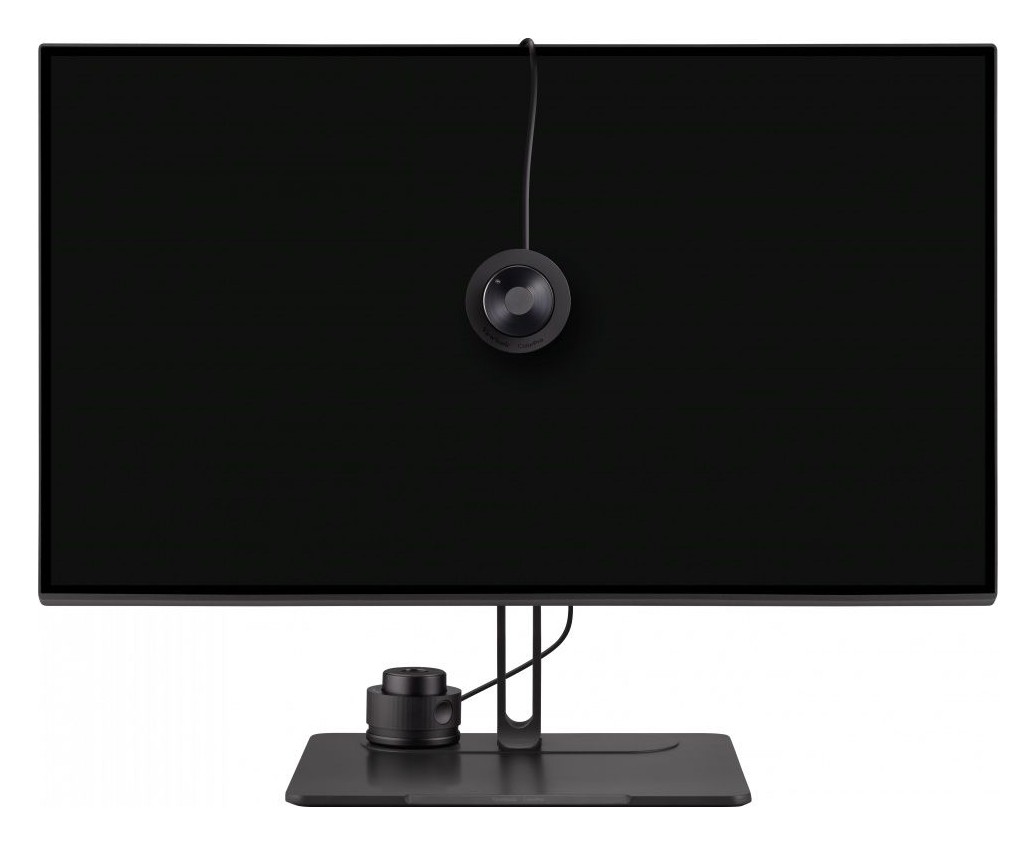
An M-Book mode matches the monitor's colours to those of Mac and MacBook Pro laptops and, per BenQ, the monitor ships with default settings that already match them. The ICCsync feature in the Display Pilot 2 software synchronises ICC profiles when you change colour modes, including between a Mac and the monitor, and a Mac keyboard hotkey function lets you adjust brightness from the keyboard. Application modes include Animation for dark-area clarity without overexposing highlights, CAD/CAM for line contrast, Darkroom, DICOM, DCI-P3, Display P3, Rec.709, sRGB, HDR and Low Blue Light. DualView shows a design in two colour modes side by side. A bundled Hotkey Puck G2 gives quick access to modes and settings, and BenQ states that Pantone Connect Premium is free for one year with purchase.
Thunderbolt 3, USB and daisy chaining
The connectivity is generous. There is one Thunderbolt 3 input with 85 W of power delivery, DisplayPort Alt Mode and data, one Thunderbolt 3 output with 15 W power delivery, two HDMI 2.0 inputs, one DisplayPort 1.4 input, one USB-C downstream port, one USB-B upstream port and three USB 3.1 downstream ports. BenQ says the Thunderbolt 4 cable provided is backward compatible with Thunderbolt 3 displays, and that Thunderbolt 4 devices work with the USB-C connection. Daisy chaining a second monitor over Thunderbolt 3 is supported for dual 4K workspaces, but BenQ notes that Apple Silicon M1 and M2 chips do not support multiple monitors natively, so daisy chaining does not work with those, while Pro, Max and Ultra chips can. A built-in KVM switch and PIP/PBP let one set of peripherals control two computers and show two sources at once. Our guide to the best home office monitor setup shows how this kind of single-cable arrangement fits a desk.
Stand, size and power
The stand offers 150 mm of height adjustment, tilt from minus 5 to 20 degrees, swivel of 30 degrees each way and a 90 degree pivot, with an auto-pivot feature, and the VESA pattern is 100 by 100 millimetres. Dimensions with the stand are 477.6 to 627.6 millimetres high by 714.8 wide by 273.3 deep, and without the base 412.2 by 714.8 by 86.6 millimetres. The monitor weighs 10.7 kilograms with the base and 7.9 without. Built-in 2 W by 2 speakers and a headphone jack are present. Power consumption is 37 W typical, 220 W maximum and 0.5 W in sleep, which reflects the 85 W it can send to a laptop. The monitor is flicker-free with a low blue light option and the box includes a quick start guide, a warranty card, a calibration report and the Hotkey Puck G2 plus cables that vary by region.
Where it sits in our database
The nearest relative is the BenQ PD2725U, a 27-inch 4K IPS monitor from the same line with 60 Hz, 5 ms response, 95 percent P3 and 100 percent sRGB, 250 nits (400 nits peak in HDR) and a Thunderbolt 3 port with up to 90 W of power delivery. Set against it, the PD3220U is larger at 31.5 inches, which means a lower pixel density of 140 ppi against about 163 ppi for a 27-inch 4K panel (our arithmetic), a lower HDR peak of 300 nits against 400 and a lower 85 W of charging against 90 W, while the two share the colour coverage, the resolution and the refresh rate. Our PD2725U review describes how the smaller model behaves in use, and the PD3220U can be expected to share its character, although it has not been tested. The monitor category shows more choices.
What the page does not say
BenQ's page does not list a price in the text we read and no warranty term. It does not publish contrast or colour-error test data from independent labs, and it does not describe the speakers' quality. Use this entry to check the facts that decide fit: 31.5 inches at 4K, 95 percent P3, Thunderbolt 3 with 85 W, daisy chaining that does not work on base M1 and M2 Macs, and the fact that a successor exists. Then read independent testing if colour accuracy is critical to your work.