Jabra Jabra PanaCast 20
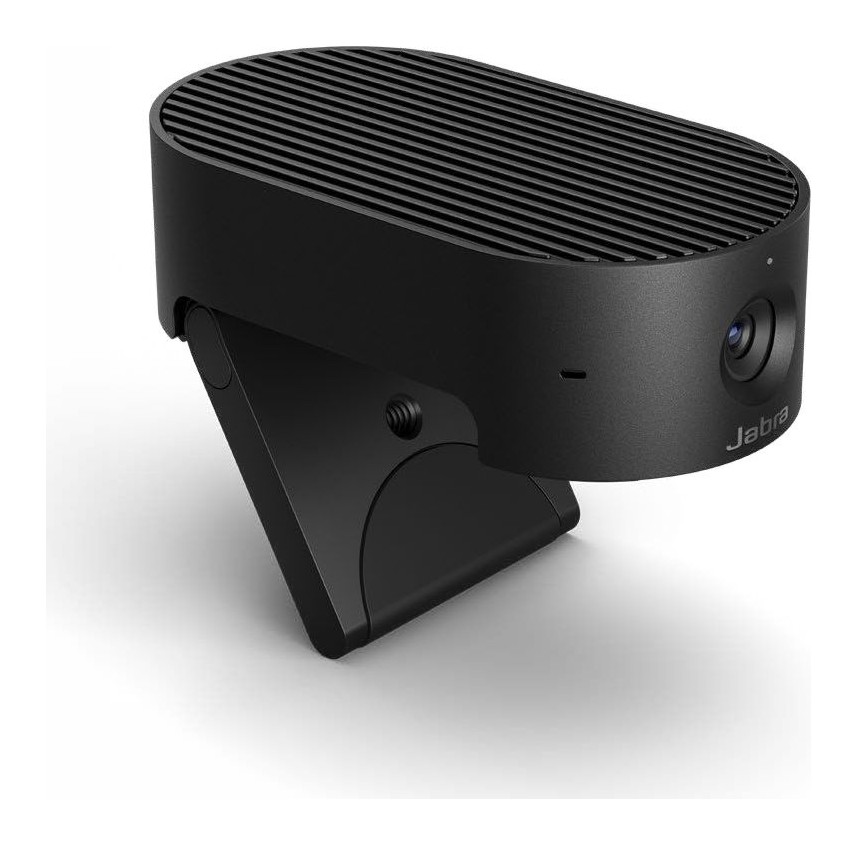
A clip-on 4K personal video camera with a 117 degree view, on-device AI for framing, lighting and background effects, a privacy cover and a carry case.
Specifications
| Resolution | 4K 3840 x 2160, 1080p and 720p, all at 30 fps |
|---|---|
| Sensor | 13 megapixel, 1/3.2-inch |
| Field of View | 90 deg horizontal, 75 deg vertical, 117 deg diagonal |
| Lens | Focal length 2.26 mm, aperture 2.25 |
| Zoom | Up to 3x lossless digital zoom at 720p |
| AI Features | Intelligent Zoom, Intelligent Lighting Optimization, Vivid HDR, Picture-in-Picture, on-device background effects |
| Microphones | 3 MEMS, -37 dBFS, 100 Hz - 8 kHz |
| Connection | USB-C (USB 3.0 / USB 2.0), UVC 1.1 |
| Weight | 136 g |
| Dimensions | 44 x 25 x 80 mm |
| Warranty | 2 years |
| Part Number | 8300-119 |
The Jabra PanaCast 20 is a small USB camera designed for people who join video calls from more than one place: the home desk, a shared office, a hotel room. Jabra calls it a personal video conferencing device and builds it around a 13-megapixel camera, a 4K picture and an on-board AI processor that does the clever work inside the camera rather than on your computer. It clips onto a laptop or monitor, folds into a case and needs only a USB cable. This guide is based on Jabra's official tech sheet and data sheet for the PanaCast 20. Jabra prints no price in those documents, so we do not quote one, and we do not add lab results of our own.
The picture
The camera has a 1/3.2-inch image sensor rated at 13 megapixels, a 2.26 mm focal length and an aperture of 2.25. It outputs 4K Ultra HD (3840 x 2160), 1080p Full HD or 720p HD, and every one of those modes runs at 30 frames per second. Jabra adds a footnote that higher resolution levels may not be supported by all operating systems or computers and that you may need to select a lower resolution for best performance, which is worth remembering if a call app refuses 4K. There is also up to 3x lossless digital zoom at 720p, and manual pan, tilt and zoom control is listed as supported.
The field of view is wide: 90 degrees horizontal, 75 degrees vertical and 117 degrees diagonal. That is much wider than the narrow frames of many desk webcams, and it suits a shared desk where a colleague may lean into the picture, or a laptop propped on a table with a whiteboard behind it. It also means more of the room behind you is visible, which is where the background effects come in. For a plain-language look at what resolution, frame rate and field of view do on a call, see our webcam buying guide.
What the on-board AI does
Jabra lists four intelligent features and says all of them are driven by the powerful on-board AI processor, which means the processing happens on the camera itself. First, Intelligent Zoom follows your movements and keeps you centred in the frame in real time, so you do not have to stay rooted to one spot. Second, Intelligent Lighting Optimization analyses the room and adjusts the image automatically, which Jabra says improves video quality even in rooms where the light is poorly distributed. Third, Vivid HDR is listed among the video features. Fourth, on-device background effects let you blur your background or replace it with a solid colour, so that what is behind you stays hidden from other participants.
The security argument is the interesting part. Because the AI runs on the camera, Jabra says nothing is stored anywhere and your real background is not exposed to a data breach; it describes this as reducing the risk of leakage. That is a claim by the manufacturer, and we have not tested it, but it explains why the camera suits companies that are cautious about software installed on laptops.
Picture-in-Picture
Jabra's Picture-in-Picture mode combines two real-time video streams into one and shows the second stream in an integrated window inside the main picture. The company says it works with any unified communications platform, including those that do not support dual-stream devices, and suggests it makes presentations more impactful. In practice that means you can show yourself and something else in one frame without the meeting app needing to understand two cameras.
Sound
The camera has three MEMS microphones with a sensitivity of minus 37 dBFS and a frequency range of 100 Hz to 8 kHz. Jabra's own suggestion is to pair the camera with its audio products, and it names the Evolve2 65 headset and the Speak 750 speakerphone. If you use a headset, our pages on the Jabra Evolve2 65 Flex and the Evolve2 85 explain that side of Jabra's range. The tech sheet also lists an SBC audio codec, which is a Bluetooth term that does not obviously apply to a wired camera, so we treat it as an artefact of the shared specification template and do not build on it.
Privacy and portability
An integrated privacy cover slides across the lens when you want to be sure nobody sees you and slides back when you are ready. The camera clips to the top of a laptop screen or monitor with an integrated foldable clip, or it can go on a tripod. It measures 44 x 25 x 80 mm, weighs 136 g and comes with a protective carry case and a 1.5 m USB-C to USB-A cable (USB 3.0). Jabra also lists a table stand, a 1.8 m USB-C to USB-C cable and a USB-A adapter as separate accessories. That combination of clip, case and cable is what makes it portable; you can toss it in a bag without worrying about the lens.
Connection, software and compatibility
The camera connects over USB-C and supports USB 3.0 as well as USB 2.0 (when the port supplies more than 500 mA); it follows the UVC 1.1 standard. Jabra lists Windows 11, Windows 10 and Windows 8.1 in 64-bit and 32-bit versions, macOS 10.15 and later including 11.x, and ChromeOS. It is certified for Microsoft Teams and Zoom, works with Google Meet and carries Works With Chromebook certification, and Jabra says it works with all leading UC platforms. The Jabra Direct software, available for Windows and Mac, and Jabra Xpress, available for Windows only, deliver the software updates that Jabra promises throughout the product's lifespan. A software development kit is also listed. Operating temperature is 5 to 35 degrees Celsius and storage temperature is minus 20 to 60 degrees Celsius. The warranty is two years, and the part number is 8300-119.
What Jabra lists as the benefits
Jabra's data sheet closes with a plain list of benefits, and it is a fair summary of the pitch: a picture-perfect image, mitigated security risks, looking good even in imperfectly lit settings, being framed properly, being able to share yourself and your content, protecting what is behind you with background blur and solid-colour replacement, staying private when you need to, easy and instant collaboration, being usable wherever you work, portability thanks to the carry case, and being able to focus on the meeting rather than the technology. Read as a checklist, it tells you what the camera is trying to save you from: fiddling with settings, worrying about the room behind you and carrying a bulky device.
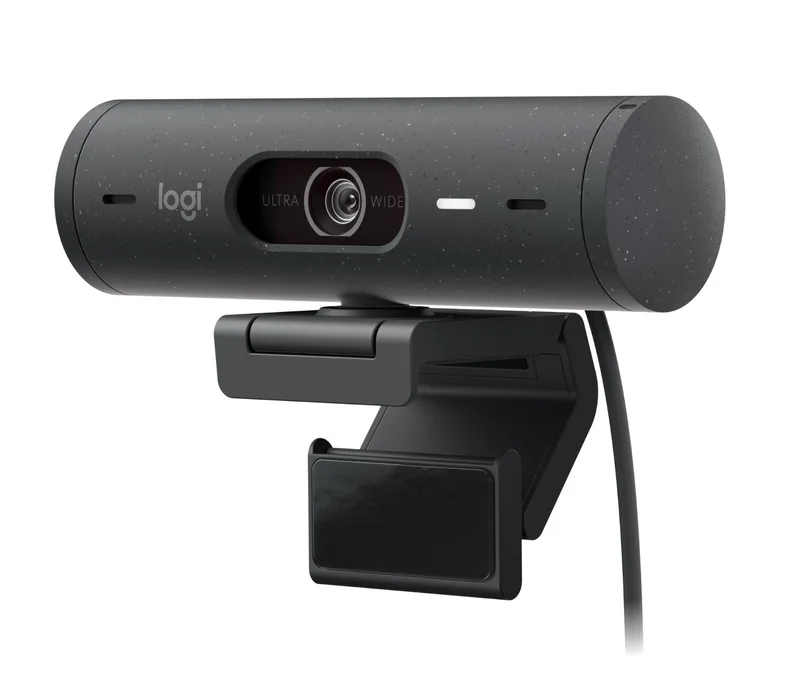
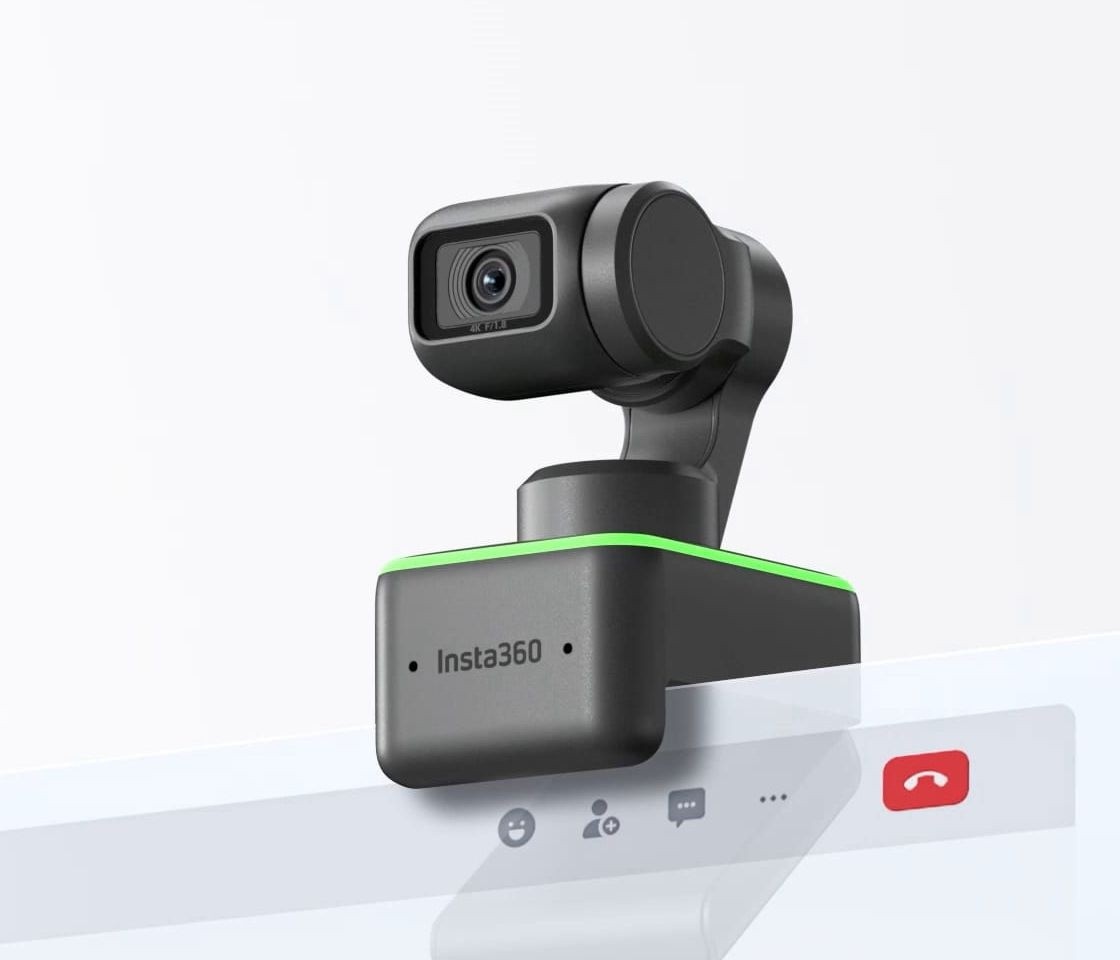
Where it fits and who should buy it
The PanaCast 20 is a good match if you move between locations, share a desk, care about not leaking your background to a cloud service, or want automatic framing without an app fiddling. It is less suitable if you need a motorised gimbal, extreme low-light performance figures that Jabra does not publish, or a very small field of view. For a fixed-focus alternative from a different maker, look at the Kensington W2050 Pro or the Logitech Brio 500. Our comparison of webcams and built-in laptop cameras explains why any of these beats a laptop lens, and you can browse every webcam on the site from the category page.