Satechi Satechi Thunderbolt 4 Multimedia Pro Dock
A 16-port Thunderbolt 4 dock with two DisplayPort 1.4 and two HDMI 2.1 outputs, 96 W laptop charging, 2.5 Gb Ethernet, two UHS-II card slots and an aluminum body, with up to four 4K displays on Windows.
Specifications
| Host Connection | 1x Thunderbolt 4 (40 Gbps) with 96 W power passthrough to the laptop |
|---|---|
| Video Outputs | 2x DisplayPort 1.4, 2x HDMI 2.1 |
| Ports | 1x USB-C 3.2 (10 Gbps), 3x USB-A 3.2 (10 Gbps), 2x USB-A 3.2 (5 Gbps), 1x USB 2.0 (charging up to 7.5 W), SD and microSD (UHS-II), 3.5 mm audio in/out, 2.5 Gbps Ethernet |
| Displays | Up to four 4K 60 Hz on Windows (MST); two external on macOS |
| Power Supply | 135 W adapter via DC input, Kensington lock slot |
| Dimensions | 195 x 105 x 47 mm |
| Weight | 693 g |
| Included Cable | Thunderbolt 4 cable (2 ft 8 in) |
| Compatibility | Windows 11/10/8, macOS, iPadOS, ChromeOS; DisplayLink not supported |
| Card Readers | Two UHS-II slots, up to 312 MB/s per Satechi text |
| Box | Dock, Thunderbolt 4 cable, 135 W power supply, vertical stand, quick guide |
| Warranty | 2 years |
The Satechi Thunderbolt 4 Multimedia Pro Dock is a desktop docking station built for creative professionals who want one cable between a laptop and a whole desk. Satechi describes it as a 16-in-1 Thunderbolt 4 dock that supports up to four external displays with 40 Gb/s of bandwidth, delivers up to 96 W of charging through one cable and works with both Mac and Windows. This guide is based on Satechi's own product page and its tech-spec table. We have not tested the dock, so every figure is the manufacturer's. The page contains some statements that do not fully agree with each other, mostly about Mac display support, and we explain them plainly rather than choose the friendliest version.
Ports and what they connect
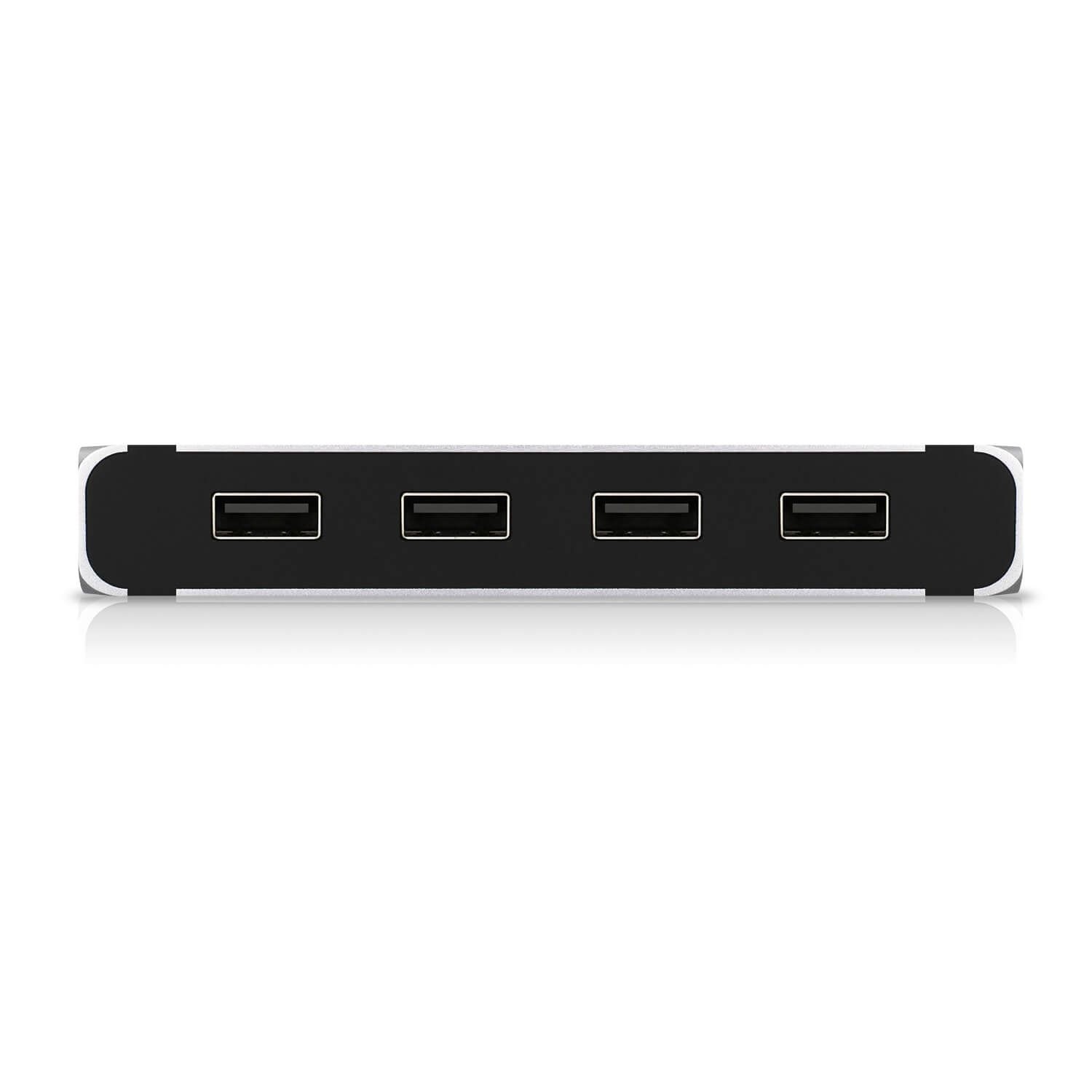
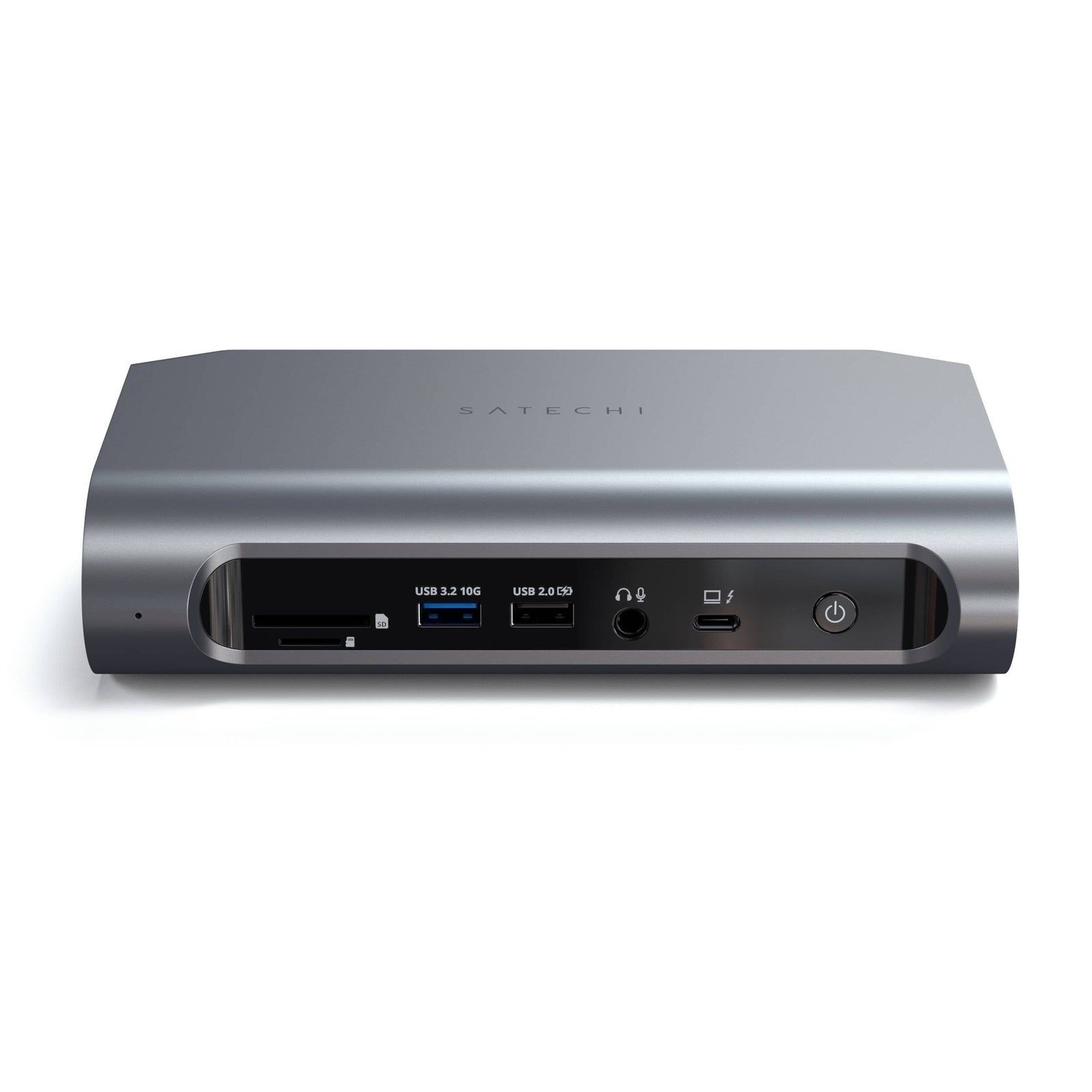
The page lists one Thunderbolt 4 port to the host, two DisplayPort 1.4 outputs, two HDMI 2.1 outputs, one USB-C 3.2 port at 10 Gb/s, three USB-A 3.2 ports at 10 Gb/s, two USB-A 3.2 ports at 5 Gb/s and one USB 2.0 port for charging up to 7.5 W. There is an SD slot and a microSD slot, a 3.5 mm audio jack for input and output, and a 2.5 Gb/s Ethernet port. Adding them up, with the host connection included, gives sixteen ports, which matches the marketing name. Two of the USB ports can also charge phones and tablets. One detail to note is that the specification shows a single Thunderbolt 4 connection, the one to your computer, and no Thunderbolt 4 ports for downstream devices, so you cannot daisy-chain a Thunderbolt drive or display through it the way you can with docks that have several. If you want to understand what these ports need from your computer, our docking station buying guide explains how to count what you need, and our explainer on Thunderbolt 3, 4 and 5 compatibility covers what each standard allows.
Displays: Windows and Mac are different
This is the section to read twice. On Windows, because the platform supports Multi-Stream Transport, Satechi says the dock can output video to three or four screens in extended mode, and up to four 4K screens at 60 Hz, provided your computer's graphics hardware supports it. On a Mac the picture is more limited. The tech-spec text says that macOS supports Single Stream Transport, so the dock can output extended video to two screens and mirror the other two, and that base-model M1 and M2 Macs support only one external monitor. The FAQ states the rule more strictly: macOS limits the number of external monitors to two, however many video outputs the dock provides, and it explicitly says the dock does not support DisplayLink, which some other docks use to add more screens on a Mac. A compatibility note adds that base M3 MacBook Air and Pro models support two displays at 4K and 60 Hz only in clamshell mode, and that the 2026 MacBook Neo supports one external display. The practical reading is: up to four 4K screens on a capable Windows PC, and two on most modern Macs, fewer on base M1 and M2 models. Our explainer on Thunderbolt 5 docking stations and multi-monitor setups shows how newer standards change that.
Charging and power
The dock passes up to 96 W of power delivery to the laptop and ships with a 135 W power supply that plugs into a DC input; a Kensington lock slot is also present. As simple arithmetic, a 135 W adapter minus a 96 W laptop budget leaves roughly 39 W for the dock itself and the other ports, which is a reasonable margin but not unlimited if you plug in many bus-powered drives. The USB-A port that can charge up to 7.5 W is meant for a phone rather than a drive. Satechi notes that two of the USB ports can charge phones and tablets.
Networking, storage and audio
The Ethernet port is listed at 2.5 Gb/s, and the page's wording about a 1 Gb/s internet speed and 2.5 Gb/s transfers for files on the same network is loose, so read it as a 2.5 Gb/s capable port that depends on your router and cabling. The two UHS-II slots, one SD and one microSD, can be used at the same time, and Satechi quotes a transfer speed of 312 MB/s for photographers and videographers. The audio jack handles input and output. Satechi warns that on a Mac you may need to open System Settings, go to Sound Output and pick a generic USB audio device before headphones plugged into the jack are heard. No software is required to use the dock.
Build, size and what is in the box
Satechi says the dock is made from aircraft-grade aluminum with silicone rubber sides, with curved edges and a space gray finish. A rubber stand pad lets you stand it vertically or lay it flat, and the ports are split between rear and front with fewer at the front to keep the look clean. The body measures 195 millimetres long, 105 millimetres wide and 47 millimetres high and weighs 693 grams, and the included Thunderbolt 4 cable is 2 feet 8 inches long. The box holds the dock, the cable, the 135 W power supply, a vertical stand and a quick guide. The warranty is two years, with 30-day returns noted on the page. Because the title tag of the page mentions an NVMe SSD, we checked, and nothing in the specification or the box contents lists an SSD slot, so we treat that as page metadata and not a feature.
Where it sits in our database
Two docks frame the position. The CalDigit Thunderbolt Station 4 lists eighteen ports, including three downstream Thunderbolt 4 ports, 98 W of laptop charging, a 230 W power supply and 2.5 Gb Ethernet in a 141 by 42 by 113 millimetre body that weighs 0.64 kilograms. The Satechi Thunderbolt 4 Slim Hub Pro lists three downstream Thunderbolt 4 ports, one USB-A port, 96 W charging and a 150 W adapter in a much smaller 135 by 74 by 17 millimetre body. Set against those, the Multimedia Pro Dock trades downstream Thunderbolt ports for dedicated video outputs, card readers and a larger set of USB ports, which suits a creator who wants to plug monitors straight in rather than chain devices. Our desk cable management guide is a useful companion for tidying the result, and the full docking station category is available for browsing.
What the page does not say
Satechi's page lists a sale price and a regular price field that we do not reproduce, and it gives no launch date. It does not state the Thunderbolt 4 host cable's power rating, does not say which firmware or chipset it uses and does not explain the 7.5 W USB 2.0 port beyond that figure. Use this entry to check the facts that decide fit: one Thunderbolt 4 host port, four video outputs, the Windows and Mac display limits, the 96 W charging ceiling and the 135 W adapter. Then check your own laptop's specification, because the dock cannot add display or charging capability that the computer's port lacks.