Plugable Plugable TBT-UDM Thunderbolt 4 Dock
A Space Gray aluminium Thunderbolt 4 dock with 13 ports, dual 4K HDMI, one downstream Thunderbolt port, UHS-II SD and microSD readers and 100 W charging, aimed at newer MacBooks.
Specifications
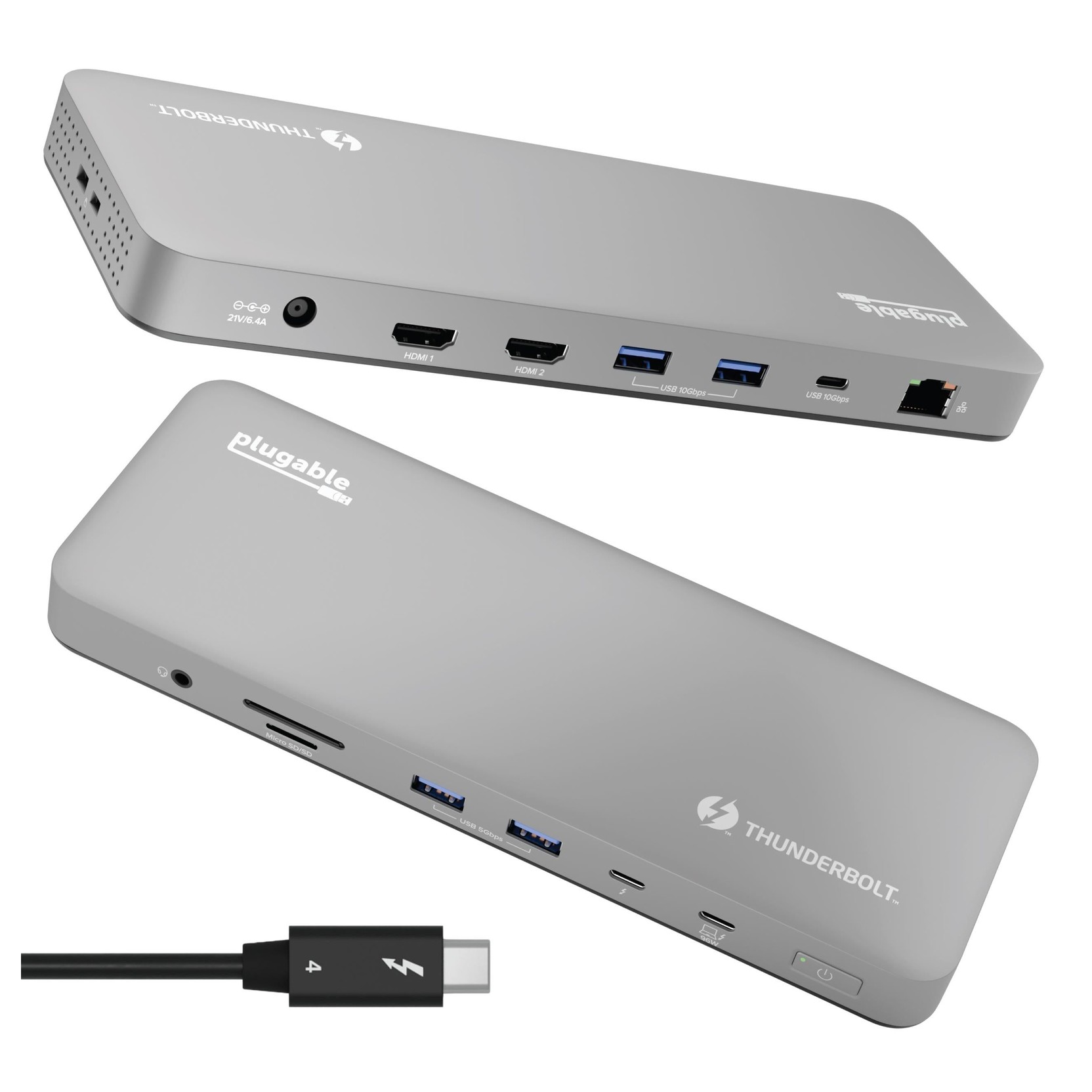
| Ports | 13: 2x HDMI 2.0, 1x downstream Thunderbolt 4 (40 Gbps), 4x USB-A (2 at 10 Gbps, 2 at 5 Gbps), 1x USB-C 10 Gbps, SD and microSD UHS-II, combo audio, Gigabit Ethernet, host port |
|---|---|
| Host Charging | 100 W (96 W certified) |
| Displays | Two 4K 60 Hz over HDMI, or one 6K (8K on Windows) over Thunderbolt; max two displays |
| Mac Support | M4/M5, Pro/Max M1-M3 dual display; base M1/M2 single; base M3 dual in clamshell only |
| Size | 2.3 x 22.5 x 8.5 cm, 431 g |
| Enclosure | Space Gray aluminium |
| Controller | Intel JHL8440 |
| Warranty | 2 years |
| Price | US$199.95 |
The Plugable TBT-UDM is a 13-port Thunderbolt 4 dock in a Space Gray aluminium enclosure, sold by Plugable as a dock for M4 and M5 MacBook Air and Pro machines, though it also works with Windows systems that have Thunderbolt 4 or USB4. Plugable's listings show 199.95 US dollars. It has two HDMI outputs, one downstream Thunderbolt 4 port, USB-A and USB-C ports, SD and microSD readers, Ethernet and an audio jack. This guide is based on Plugable's product page, its comparison table and the technical section further down it. We have not tested the dock, so we say what Plugable states and point out where the limits sit, especially the display rules for Apple chips.
What is in the 13 ports
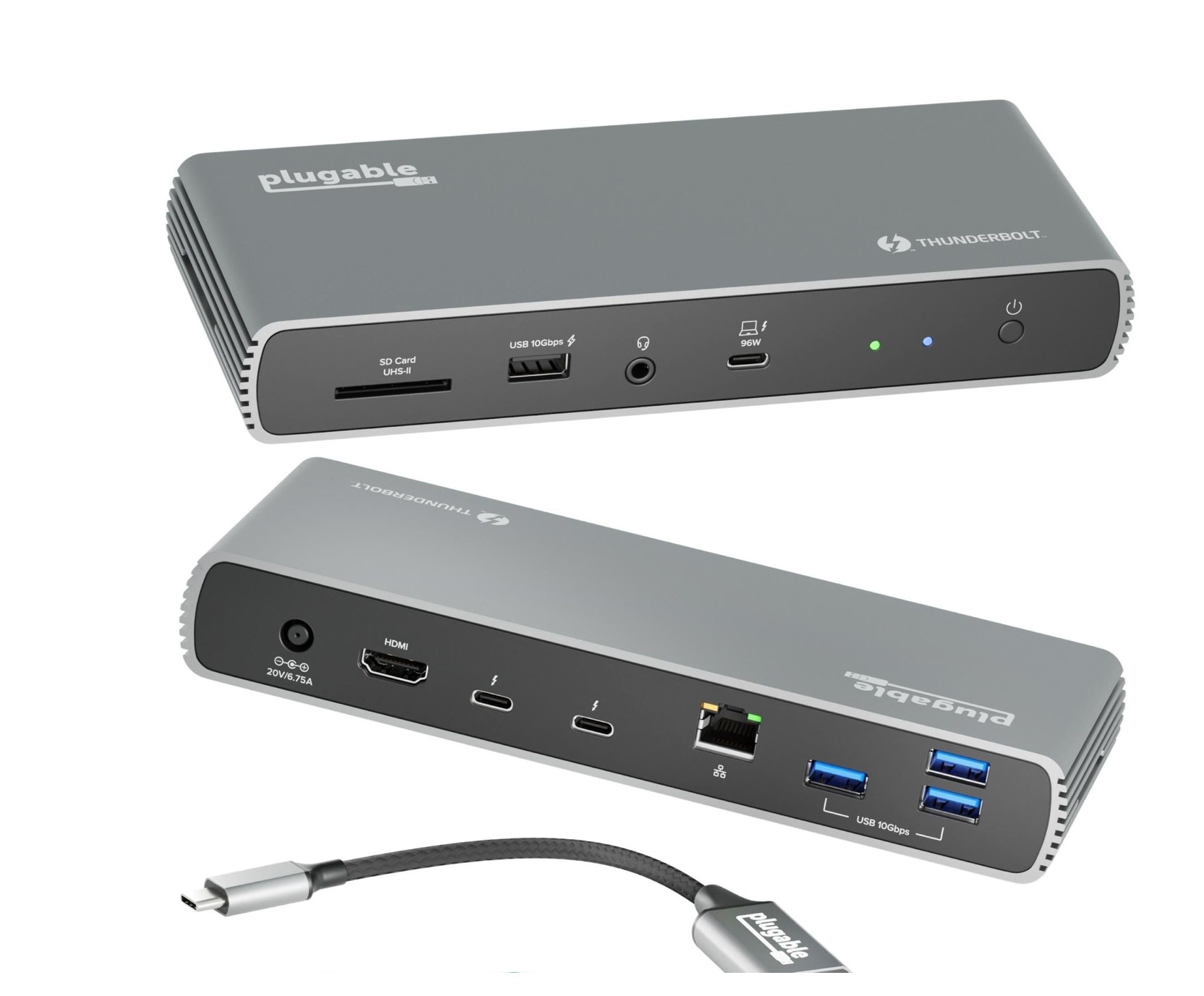
Plugable's summary is two HDMI, one downstream Thunderbolt 4 at 40 Gbps, four USB ports (two at 10 Gbps and two at 5 Gbps), one USB-C at 10 Gbps, SD and microSD card slots, a combo audio jack and Gigabit Ethernet. Together with the Thunderbolt 4 host connection, that adds up to 13. The card slots are the standout: both full-size SD and microSD are UHS-II, with a stated speed of up to 312 MB/s, which is a good match for a photographer or video editor offloading cards. The Ethernet is 1 Gbps, and Plugable adds that actual speed is determined by the operating system version and the host model. On Windows, the page says you may need to install an Ethernet adapter driver manually to get the best performance, which is a helpful honesty. The dock is not compatible with DisplayLink, and no other driver is normally needed. Our docking station guide on how many ports you need can help you decide whether this mix fits your desk.
Displays: two 4K screens, with conditions
The two HDMI ports each support up to 4K at 60 Hz, and the page says the dock can drive two of them, or one 6K display on the downstream Thunderbolt port (8K on Windows), with a total maximum of two displays at a time. The technical table lists the downstream port as DisplayPort 1.4 with resolutions up to 8K at 30 Hz. Everything depends on the host. Plugable puts it simply: dual display capability is dependent on the host system's external display capability. If your laptop connects over Thunderbolt 3 or over USB-C with DisplayPort only, the requirements section says hosts with Thunderbolt 3 or USB-C ports with DisplayPort can support one external display, and the technical table shows USB-C Alt Mode at lower rates, for example 4K at 30 Hz.
The Apple rules are the part to read carefully. Plugable says dual displays work on all M4 and M5 systems, on Pro and Max versions of M1, M2 and M3 MacBooks, and on base M3 Macs in clamshell mode. Base M1 and M2 Macs support only a single external display. The dock's page explains that no drivers are needed for any of this. The comparison table places the TBT-UDM next to the TBT4-UD5, TBT-UDT3 and TBT4-UDZ, and lists it as Thunderbolt 5 and 4 and USB4 compatible. If you are unsure how Thunderbolt 3, 4 and 5 hosts differ, our article on Thunderbolt 3, 4 and 5 docking compatibility explains it.
Charging
The dock delivers up to 100 W of USB Power Delivery to the host, certified at 96 W; in the technical table the host port is listed at 20 V and 4.8 A, which is 96 W. Plugable says that if your laptop needs less, the dock sends only the optimal wattage to protect battery health. The downstream Thunderbolt port also provides power to devices at up to 15 W. A 1 m, 40 Gbps Thunderbolt 4 cable rated for 240 W is included, and a power supply and cable complete the box. There is no adapter in the box, so unlike the dock's sibling with an included USB-C to HDMI adapter, this one uses its two HDMI ports directly. For comparison with that sibling, see the Plugable TBT4-UDX1, which trades the card reader and one HDMI for two downstream Thunderbolt ports.
Enclosure, size and desk fit
The dock measures 2.3 by 22.5 by 8.5 cm and weighs 431 g, according to Plugable's physical stats, and it sits horizontally. Plugable describes the enclosure as premium Space Gray aluminium designed to match a sleek MacBook setup. Metal helps a dock that has a power supply and chips to shed heat, but the page does not make any claim about temperatures, so we do not either. If you are planning a tidy desk around it, our desk cable management guide has practical ideas.
How it sits beside the UD5
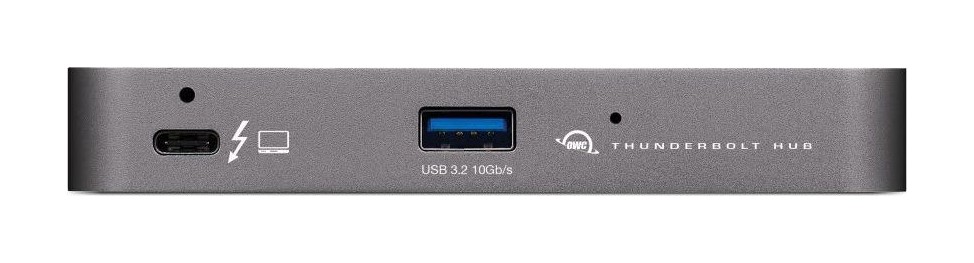
Plugable's own comparison table gives the TBT-UDM and the TBT4-UD5 the same price of 199.95 dollars, the same 13 ports, the same one downstream Thunderbolt port, the same 1 Gbps Ethernet, the same up to two displays and full-size SD plus microSD slots. Plugable also describes both as compatible with Thunderbolt 5 and 4 and USB4 hosts. The page for the UDM leans on Mac and M4 and M5 compatibility and a Space Gray finish, and the table gives no other differences, so we do not claim any. Both are in our catalogue, and you can read our page on the TBT4-UD5 13-in-1 dock to see how it is described. If you want a single-screen alternative, the OWC Thunderbolt Hub in our database is a hub-style option worth reading alongside these.
Warranty and support
The banner on the page mentions a hassle-free two-year warranty, free shipping on US orders above 35 dollars, and Plugable's usual lifetime technical support from its North American team, and buying direct includes free three-day continental US shipping. The page lists 164 reviews at the time we read it; we do not quote scores because that feed is updated separately.
Who it suits
- You use an M4 or M5 MacBook, or a Pro or Max M-series MacBook, and want two 4K screens without DisplayLink drivers.
- You want both full-size SD and microSD UHS-II readers on the desk.
- You want one downstream Thunderbolt 4 port for an SSD or a display.
- You are fine with Gigabit Ethernet.
It is less suited to a base M1 or M2 MacBook, where you get one external display, or to anyone who wants 2.5 Gb Ethernet or a laptop charger above 100 W. For that, Plugable's table points to the TBT-UDT3, which lists 140 W charging, 2.5 Gb Ethernet and three downstream Thunderbolt ports at 299.95 dollars. In short, the TBT-UDM is a neat, quiet-looking, Mac-friendly dock with a strong card reader pair and honest display notes. Match your laptop chip to Plugable's display rules before you buy, and you should be happy.