144Hz vs. 165Hz vs. 240Hz: Monitor Refresh Rate Explained
Refresh rate is the number of times per second a monitor redraws the image on screen, measured in Hertz (Hz). A 60Hz panel redraws 60 times a second; a 240Hz refresh rate redraws four times as often. Higher refresh rates make motion look smoother and reduce the perceived blur of fast-moving objects, which is why the jump from a 60Hz office monitor to a 144Hz or faster gaming panel feels so dramatic the first time you see it. But refresh rate marketing has gotten noisy — every increment from 144Hz to 165Hz to 240Hz and beyond gets sold as a meaningful upgrade, and in practice the differences are far less uniform than the spec sheets suggest.
Why higher refresh rates feel smoother
Each frame a monitor displays is a static image, and motion is an illusion created by showing a rapid sequence of slightly different static images. At 60Hz, each frame stays on screen for about 16.7 milliseconds; at 144Hz that drops to roughly 6.9 milliseconds, and at 240Hz it's about 4.2 milliseconds. Shorter frame times mean less distance between where an object was in the previous frame and where it is in the current one, which is what your eye interprets as smoother, more precise motion. This matters most for content that moves quickly and unpredictably across the screen — competitive shooters, fast racing games, cursor movement during fast mouse flicks — and matters far less for slow-paced or largely static content like reading documents or watching a movie, where 60Hz is still perfectly comfortable.
144Hz: the practical sweet spot
144Hz became the de facto standard for gaming monitors because it delivers the bulk of the perceptible smoothness gain over 60Hz while remaining achievable for a wide range of GPUs and budgets. Going from 60Hz to 144Hz is an enormous, unmistakable jump — nearly anyone can tell the difference within seconds. It's also the refresh rate most competitive titles are comfortably playable at on a mid-range graphics card without needing aggressive settings compromises, which is a big part of why so many QHD panels, including the LG 27GP850-B, ship in this range or just above it.
165Hz: a modest step, not a leap
165Hz has become extremely common on QHD gaming monitors, and it's worth being honest about what it actually delivers: roughly a 15% reduction in frame time versus 144Hz, which is a real but genuinely subtle improvement rather than a transformative one. This LG panel uses that exact refresh rate paired with a Nano IPS panel and a 1ms GtG response time, and in practice most players would struggle to reliably tell 165Hz apart from 144Hz in a blind test, whereas almost nobody struggles to tell 144Hz apart from 60Hz. If you're shopping refresh rate specs primarily by the number on the box, 165Hz is worth treating as "144Hz plus a small bonus" rather than a distinct tier.
240Hz and beyond: diminishing returns, real for some
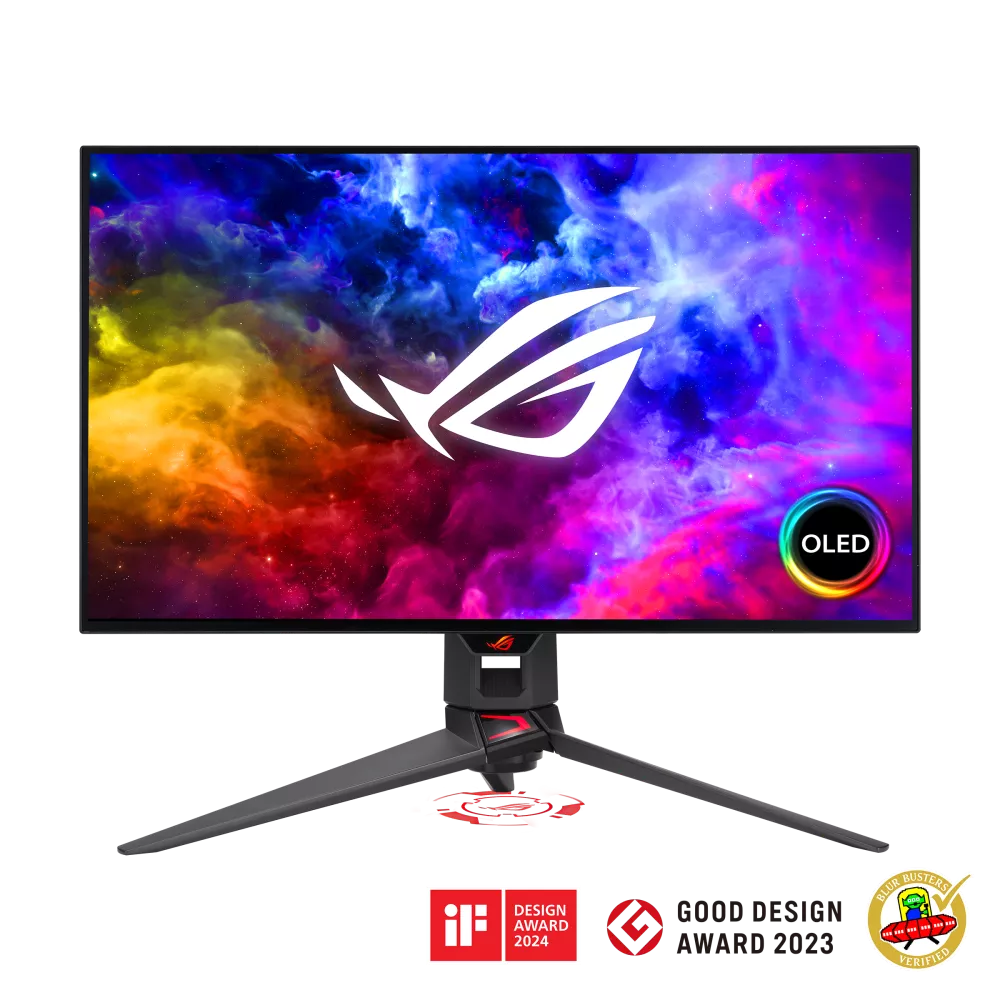
240Hz cuts frame time to roughly 4.2 milliseconds, and the perceptible difference versus 165Hz shrinks further still — most players notice it in fast-paced competitive shooters and in synthetic tests, but the gain is far less obvious in general use than the 60-to-144Hz jump. Where 240Hz earns its keep is when it's paired with a panel technology that can actually keep up with it. The ASUS ROG Swift OLED PG27AQDM combines its 240Hz refresh rate with OLED's near-instant pixel response, and that combination — fast refresh plus fast pixel transitions — is what produces genuinely crisp motion clarity rather than just a higher number on a spec sheet. Refresh rate alone, without a correspondingly fast response time, delivers diminishing benefit; a hypothetical slow-responding panel running at 240Hz wouldn't look dramatically clearer than the same panel at 144Hz, because the pixels themselves can't switch states fast enough to take advantage of the extra frames.
Refresh rate is not response time
These two specs get conflated constantly, but they measure different things. Refresh rate is how often the monitor draws a new frame; response time (usually quoted as gray-to-gray, or GtG) is how long an individual pixel takes to shift from one color to another. A panel can have a high refresh rate and a slow response time, which produces a smoother frame rate on paper but visible motion blur or ghosting in practice, because pixels can't fully transition before the next frame arrives. This is exactly why OLED panels have become so dominant at the high-refresh end of the market: their self-emissive pixels switch essentially instantly, so a 240Hz OLED panel delivers on the promise of 240Hz in a way a slower-responding LCD at the same refresh rate cannot. For a deeper look at how OLED, IPS, and VA panels differ in response time and motion handling, see our panel technology comparison guide.
The bandwidth and resolution trade-off
Higher refresh rates demand more data bandwidth, and that becomes a real constraint once you move up to 4K. A 1440p signal at 165Hz fits comfortably within DisplayPort 1.4's bandwidth; pushing a 4K signal to 144Hz or 240Hz typically requires either Display Stream Compression (DSC) or a newer standard like DisplayPort 2.1 or HDMI 2.1 to carry the extra data without dropping color depth or chroma subsampling. This is one reason 4K monitors with genuinely high refresh rates, like Mini-LED panels in the same class as the Samsung Odyssey Neo G7 32", remained rarer and pricier for longer than their QHD equivalents — the panel and the port both need to keep up. If you're deciding between a higher resolution and a higher refresh rate on a fixed budget, our 27-inch QHD vs. 32-inch 4K guide covers that trade-off directly.
Who actually needs which tier
Competitive players in fast-twitch genres — arena shooters, tactical FPS titles, fighting games — are the group most likely to notice and benefit from every increment up to 240Hz and beyond, especially paired with a low-response-time panel and a GPU capable of sustaining those frame rates. Everyone else, including most single-player gamers, streamers, and general desk users, will get the overwhelming majority of the smoothness benefit from a 144Hz or 165Hz panel, and spending the premium for 240Hz mainly pays off if the rest of the system — GPU, CPU, and the game's own frame rate ceiling — can actually deliver frames fast enough to fill it. There's also Variable Refresh Rate (VRR) technology to consider: G-SYNC and FreeSync dynamically match the monitor's refresh rate to the GPU's output frame rate, smoothing out stutter and tearing even when the frame rate doesn't hit the monitor's maximum, which in practice matters more for day-to-day smoothness than chasing the highest static Hz number on the spec sheet.
Buying advice
Treat refresh rate the way you'd treat any other spec with diminishing returns: the first big jump matters most, and each subsequent tier delivers less. If your budget or GPU can't comfortably sustain 240 frames per second in the games you actually play, a 165Hz or even 144Hz panel with a genuinely fast response time and good VRR support will look and feel better in practice than a 240Hz panel that's response-time-limited or GPU-starved. Match the panel's response time and your GPU's real-world frame rate to the refresh tier you're buying — that combination determines what you'll actually see on screen, far more than the headline Hz number alone.